FHN
FHN 
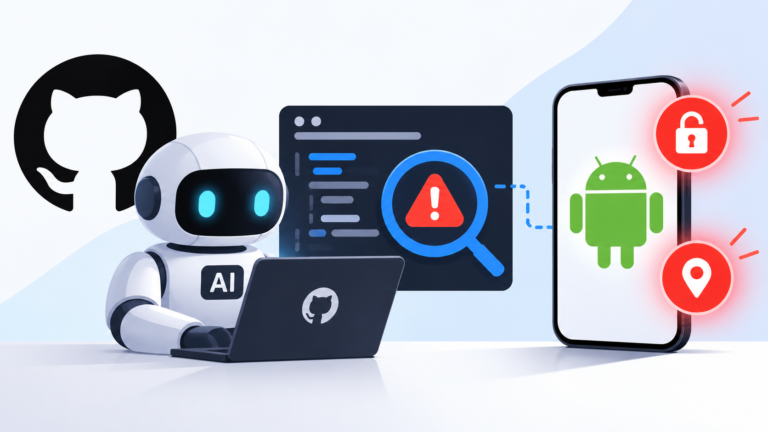
A newly discovered Android threat called NoVoice Android malware highlights how advanced malware can quietly spread through trusted platforms like Google Play. This campaign was found hiding inside more than 50 apps that appeared completely normal, including utility tools, casual games, and gallery apps.
These applications worked as expected, which helped them avoid suspicion and gain user trust. Before they were removed, they reached over 2.3 million downloads, exposing a large number of users.
The campaign mainly targets older Android devices by exploiting 22 known vulnerabilities that were originally patched between 2016 and 2021. Devices running outdated versions, especially Android 7 and below, are at the highest risk because they no longer receive security updates.
Stealthy Entry Through Legitimate Apps
The attack begins when a user installs one of the infected apps and opens it. Everything appears normal, but hidden code is triggered in the background during the app’s startup process.
To remain undetected, these apps request minimal permissions and include common frameworks like Firebase, analytics tools, and social SDKs. This helps them blend in with legitimate applications.
The initial malicious payload is hidden inside what looks like a normal image file. In reality, the image contains encrypted data attached to it. Once executed, the app extracts and decrypts this payload directly in memory, leaving very little trace behind.
The malware then runs a series of checks to avoid detection. It looks for emulators, debugging tools, VPNs, proxies, and even uses geofencing to skip certain regions. Only after passing these checks does it connect to its command-and-control server.
Modular Payload and Deep System Control
After connecting to its server, the malware downloads additional components disguised as harmless files. These components are customized based on the infected device.
It collects detailed information such as device model, kernel version, installed apps, and security patch level. Based on this, it selects the most effective exploit to gain control.
Once successful, the attackers gain root access and disable important security protections like SELinux. The rootkit then embeds itself into the system by modifying critical libraries, allowing it to inject malicious code into every app running on the device.
On older devices, this level of access allows the malware to survive even after a factory reset.
WhatsApp Session Hijacking
One of the most serious capabilities of this campaign is targeting WhatsApp.
When WhatsApp is opened, the malware extracts sensitive data, including encrypted databases and key identifiers used by the app. It also collects information such as phone number, country code, and account details.
This data is sent to attacker-controlled servers using encrypted communication that mimics legitimate traffic. With this information, attackers can clone or hijack the victim’s WhatsApp session on another device.
Infrastructure and Evasion Techniques
NoVoice uses a segmented infrastructure where different servers handle different tasks like device tracking, payload delivery, exploit hosting, and command execution.
It also uses cloud services to host its payloads, allowing attackers to quickly change servers if any part of the operation is detected. This makes the campaign more resilient and harder to shut down completely.
The techniques used in this campaign show similarities with previously known Android malware, especially in how it injects code into system processes and maintains persistence.
Who Is Most at Risk
Devices running newer Android versions with updated security patches are not affected by the specific exploits used in this campaign. However, they may still be exposed to other malicious components.
Older and unsupported devices remain the most vulnerable. Since they no longer receive updates, they continue to be exposed to known security flaws that attackers can exploit.
Final Thoughts
The NoVoice campaign is a strong reminder that even official app stores are not completely safe from advanced threats.
It also highlights the risks of using outdated devices. Keeping systems updated, being cautious with app installations, and using mobile security tools are essential steps to reduce exposure to such attacks.
Follow Us on:Linkedin, Instagram, Facebook to get the latest security news!
About the Author