FHN
FHN 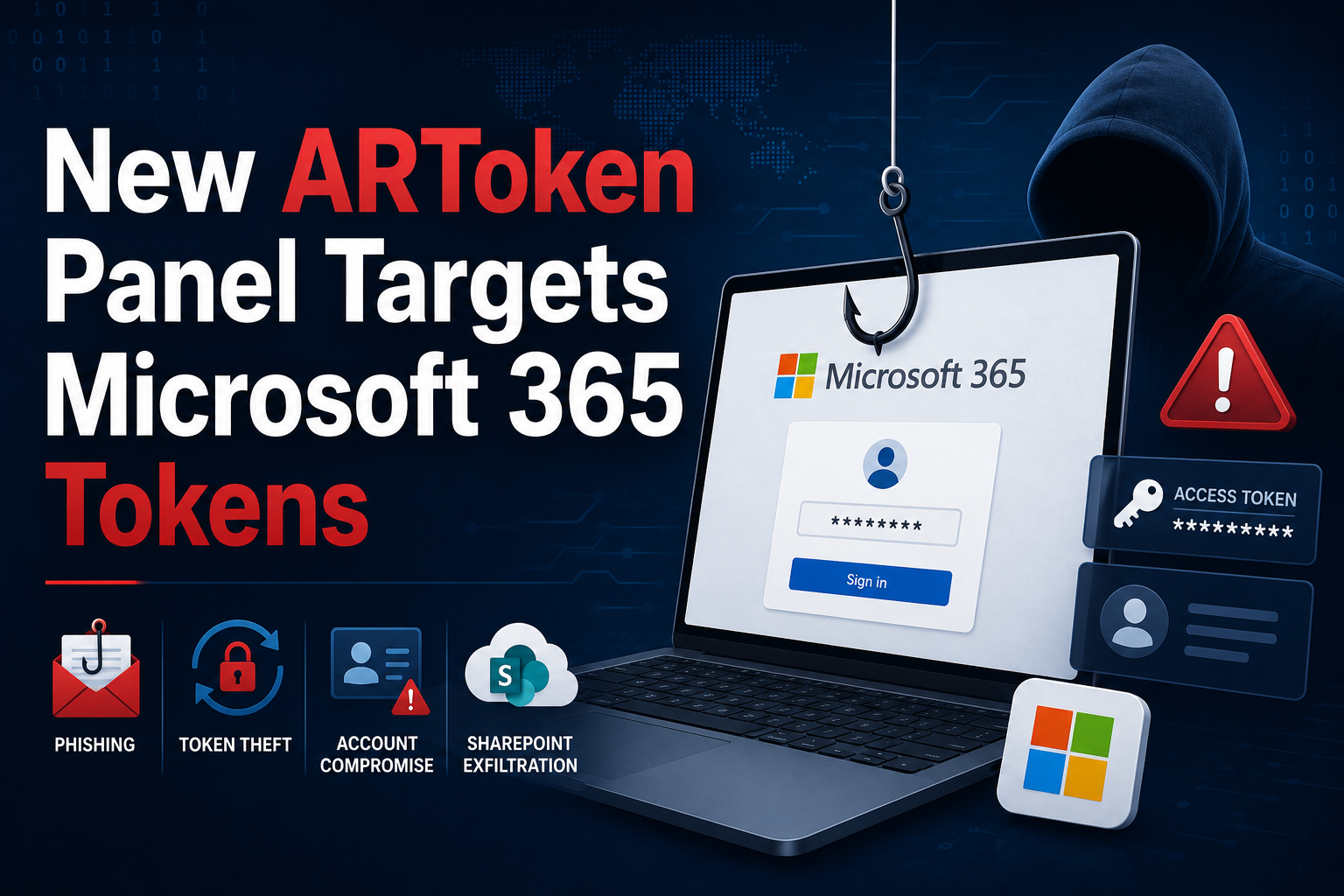
Security researchers at Cisco Talos have uncovered a phishing-as-a-service (PhaaS) platform called ARToken that appears to be closely linked to the previously identified EvilTokens infrastructure.
The platform provides cybercriminals with an advanced web-based dashboard that simplifies Microsoft 365 account compromise. It supports device code phishing, Primary Refresh Token (PRT) persistence, mailbox takeover, Business Email Compromise (BEC), and SharePoint data theft through an easy-to-use interface.
Researchers found that ARToken contains more than 80 API endpoints, giving attackers a wide range of tools to manage phishing campaigns and compromised accounts.
What Makes ARToken Dangerous?
ARToken offers a complete post-compromise toolkit that allows attackers to maintain access to Microsoft 365 accounts even after credentials have been changed.
Some of its key capabilities include:
- Device code phishing attacks
- Primary Refresh Token (PRT) setup and renewal
- Token import and export
- Mailbox takeover
- Business Email Compromise (BEC) operations
- SharePoint and OneDrive file access
- Cloudflare Workers integration for phishing pages
- Automated inbox rule creation
- Mass BCC email campaigns
Researchers discovered these features after analyzing the platform’s 1.7 MB React JavaScript bundle, which exposed the application’s client-side logic and API endpoints without requiring authentication.
Similarities to EvilTokens
Cisco Talos found multiple technical similarities between ARToken and the EvilTokens platform.
Both platforms:
- Use Microsoft device code authentication phishing.
- Return similar device authentication parameters such as device_code, user_code, verification_uri, and expires_in.
- Support the clientMode: “broker” parameter, which uses Microsoft’s Windows Authentication Manager (WAM) to obtain Primary Refresh Tokens (PRTs).
- Follow similar deployment methods using Cloudflare Workers.
- Operate as multi-tenant phishing-as-a-service platforms with subscription-based access and affiliate dashboards.
These similarities strongly suggest that ARToken is built on, or heavily inspired by, the EvilTokens infrastructure.
Advanced Anti-Analysis Techniques
ARToken also includes several techniques designed to prevent automated analysis and security research.
These include:
- User-Agent verification
- Detection of browser automation tools
- Browser feature fingerprinting
- Screen size and window validation
- Mouse and touch interaction checks
- Runtime payload decryption using XOR encryption
These protections make the platform more difficult for automated security tools and sandboxes to analyze.
How the Phishing Campaign Works
Researchers observed phishing emails impersonating a legitimate contractor to target accounts payable employees.
The emails contained SharePoint links that appeared legitimate but redirected victims to attacker-controlled Microsoft 365 environments.
Other characteristics of the campaign included:
- Cloudflare Workers hosting phishing pages
- Reply-chain hijacking techniques
- Unique email variations to bypass detection
- Failed SPF, DKIM, and DMARC authentication
- Victims directed to microsoft.com/devicelogin and instructed to enter a device code supplied by the attacker
Once the device code is entered, attackers obtain access tokens without requiring the victim’s password.
Additional Post-Compromise Features
Beyond stealing tokens, ARToken provides attackers with several tools to manage compromised accounts.
These include:
- Continuous mailbox monitoring
- Automated inbox rule creation
- Bulk token import and export
- Shared token management with role-based permissions
- Dynamic phishing lure customization
- SharePoint site management
- Cloudflare Workers deployment directly from the dashboard
These features allow attackers to maintain long-term access and streamline Business Email Compromise operations.
Security Recommendations
Organizations using Microsoft 365 should take immediate steps to reduce the risk of device code phishing attacks.
Recommended security measures include:
- Monitor for unusual device registration activity.
- Audit Primary Refresh Token (PRT) creation and renewal.
- Revoke active sessions if compromise is suspected.
- Enforce Conditional Access policies.
- Monitor mailbox rule creation and suspicious email forwarding.
- Be cautious of unexpected SharePoint links, even if they appear legitimate.
- Train users to recognize device code phishing attempts.
Because Primary Refresh Tokens (PRTs) can remain valid even after a password change, organizations should immediately revoke active sessions and tokens whenever a compromise is detected to prevent attackers from maintaining persistent access.
About the Author