FHN
FHN 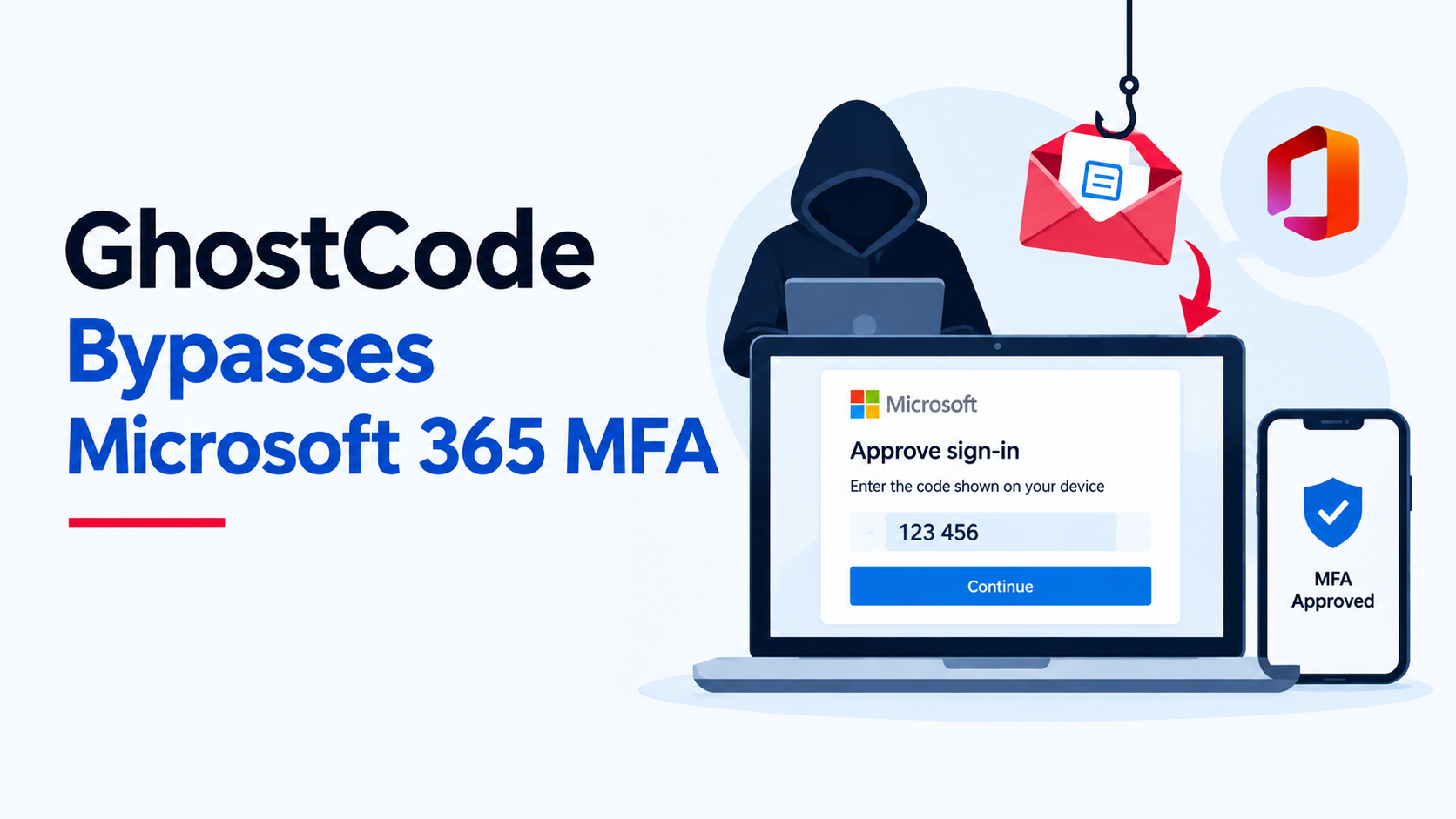
A new phishing kit called GhostCode is targeting Microsoft 365 users by abusing the device-code authentication process. Instead of stealing a user’s password, attackers trick the victim into approving a legitimate Microsoft sign-in request.
The campaign starts with messages sent through business contact forms. Attackers reportedly pose as procurement employees and build trust by requesting an NDA. They then send a WeTransfer link containing a password-protected HTML file.
When opened, the file leads the victim to a fake document-sharing page and eventually asks them to complete a Microsoft device-code login.
The dangerous part is that the authentication happens on a real Microsoft sign-in page, so the victim may complete MFA without realizing that they are authorizing an attacker’s device.
Security researchers at eSentire identified the activity in late August and named the phishing kit GhostCode.
How GhostCode Takes Over Microsoft 365 Accounts
GhostCode abuses Microsoft’s OAuth device authorization flow, which was originally designed for devices that cannot easily display a normal login page.
The attack generally works like this:
- The victim receives a convincing business-related message.
- An HTML attachment sends them to a fake document portal.
- The victim is given a Microsoft device code.
- They enter the code on Microsoft’s legitimate sign-in page.
- MFA is completed normally.
- The attacker receives the resulting authentication token.
- The attacker can then access Microsoft 365 services using the authorized session.
The phishing attachment also uses techniques designed to make analysis harder, including encrypted redirects, hidden HTML content, and additional data.
GhostCode can also check the victim’s location and use residential proxy addresses that appear geographically consistent with the target. This can make the authentication activity look less unusual.
In one observed case, attackers registered three devices within 78 seconds and obtained a Primary Refresh Token in about 32 seconds.
How Organizations Can Defend Against It
Device-code phishing can move quickly, so organizations should focus on both prevention and rapid investigation.
Security teams should:
- Consider blocking device-code authentication through Conditional Access when it is not required.
- Review newly registered or unexpected devices.
- Revoke suspicious sessions and authentication tokens.
- Reset credentials associated with compromised accounts.
- Check Microsoft 365 authentication and cloud-access logs.
- Alert on unusual device-code authentication followed by multiple device registrations.
- Investigate suspicious device names and scripted API activity.
- Restrict exceptions to approved device provisioning or service workflows.
User awareness is equally important. Employees should be cautious when an unexpected message asks them to copy a code into a Microsoft sign-in page, even when the page itself looks completely legitimate.
GhostCode highlights a growing identity-security problem: attackers do not always need to steal passwords or break MFA. Sometimes, they simply need to convince a user to approve the wrong authentication request.
IoCs
| Type | Indicator | Description |
|---|---|---|
| Domain | bjssourcing[.]com | Lookalike sender domain used in the procurement-officer pretext |
| Domain | greenlightdlstribution[.]com | Related impersonation domain registered during the campaign period |
| Email address | jeremyarcher@voewo[.]com | Disposable address associated with registration of a related lookalike domain |
| Domain | voewo[.]com | Domain tied to disposable registration personas |
| File name | 3arhCt9c0p.html | Password-protected HTML attachment used as the document-sharing lure |
| URL | hxxps://chartered.flipbookonlinevault[.]com/scanna/200e61bfe54c92fb720c77c3a1661bc0/b5ea87c2ddac3aa141bc6794b8993d1e43bd064eaae591719612becea0d106d7 | Decrypted relay URL used for tracking, filtering, and redirection |
| URL path | /scanna/file001// | Additional observed campaign path on the same relay infrastructure |
| Domain | chartered.flipbookonlinevault[.]com | Relay and bot-filtering infrastructure hosting the encrypted redirect destination |
| Domain | account-access-rc3uenqi.elitechiropracticandrehab[.]com | Device-code phishing server hosted under a likely compromised site |
| URL path | /turnstile?return_url=%2F3OnOQubA2bS4o26p3MRXyYV3XuUZ6... | Cloudflare Turnstile path used before serving the phishing portal |
| API path | /api/harvester?action=geoip | Backend request used to assess victim location and set proxy routing |
| API path | /api/harvester?action=get_code | Backend request used to obtain a device authorization code |
| API path | /api/harvester?action=poll | Backend request used to poll for completed device authentication |
| Application ID | 29d9ed98-a469-4536-ade2-f981bc1d605e | Microsoft Authentication Broker application ID abused in the device-code flow |
| User-Agent | python-requests/2.34.2 | Scripted request signature seen during token use and post-authentication activity |
| IP address | 82.33.39[.]74 | Residential proxy IP observed during token use |
| IP address | 151.225.227[.]193 | Residential proxy IP observed during token use |
| IP address | 176.253.248[.]175 | Residential proxy IP observed during token use |
| IP address | 94.9.97[.]142 | Residential proxy IP observed during token use |
| IP address | 86.132.13[.]219 | Residential proxy IP observed during token use |
| IP address | 81.96.174[.]54 | Residential proxy IP observed during token use |
| IP address | 90.215.55[.]70 | Residential proxy IP observed during token use |
| IP address | 92.40.47[.]84 | Residential proxy IP observed during token use |
| IP address | 5.230.71[.]51 | GHOSTnet-associated IP observed during final Intune enrolment |
| Device ID | 4e537622-2514-48b8-84ed-0139549cfab0 | First attacker-registered device |
| Device ID | 6c290bcc-62d3-40bd-a774-816109af6729 | Second attacker-registered device |
| Device ID | 5e83a216-f67e-43b8-a129-f67666a001dd |
About the Author