FHN
FHN 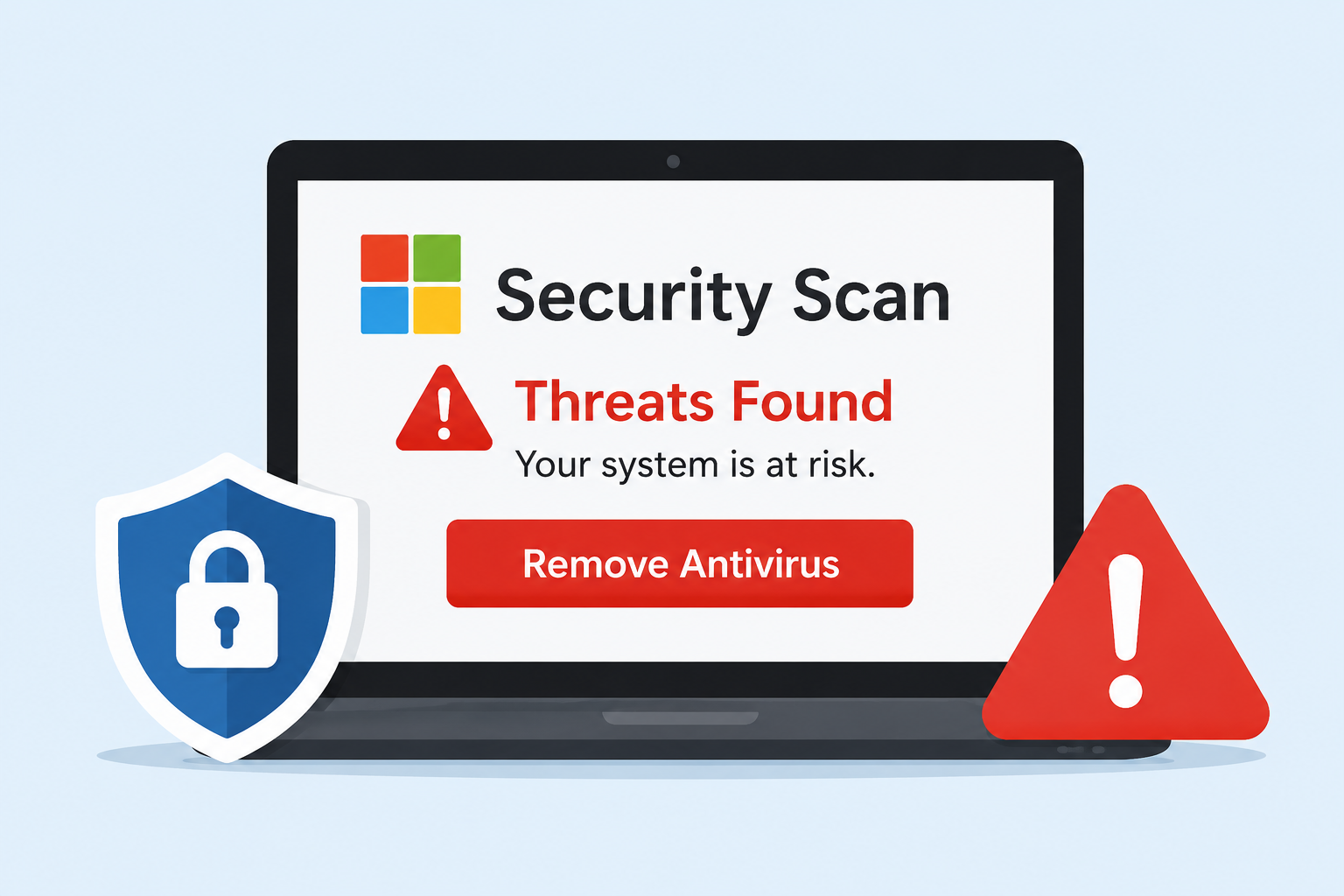
A new web-based scam is using fake Microsoft-branded security scans to scare people into removing the antivirus software protecting their computers and tricking them into a Microsoft security scan.
The fraudulent websites claim to detect serious security problems and warn that third-party antivirus products are no longer supported by Windows. In reality, the scan is fake and the warnings are designed to pressure users into taking unsafe actions, leading them to believe they need to perform a Microsoft security scan.
Researchers found that the websites collect basic information about a visitor’s browser and device, then use it to create a convincing but completely fabricated security report. The ultimate goal is to move victims into a fake refund or technical-support process.
Fake Security Scan Creates a False Warning
Malwarebytes identified 11 related websites hosted on the same server. The pages use similar branding and attempt to look like legitimate Microsoft security checks.
The sites display warnings about Windows updates, browser protection, memory security, firmware settings, and processor performance. However, a normal webpage cannot perform the deep system checks it claims to conduct.
The scammers combine genuine device information, such as screen size and operating system details, with pre-written warnings. This makes the fake report appear personalized and convincing.
The displayed security score is also manipulated, with results kept between 13 and 30 out of 100, ensuring that visitors always believe their computer has serious problems.
The biggest red flag is the instruction to uninstall third-party antivirus software. Windows supporting Microsoft Defender does not mean other legitimate antivirus products are unsupported.
The Fake Refund Trap
After the fake scan, victims are taken to a refund form that requests personal and financial information. The page also asks for details about antivirus software and remote-access tools.
The scammers can then use a phone call to convince victims that they need to provide remote access to complete a supposed refund.
Some warning signs include:
- A webpage claiming to perform a complete security scan
- Extremely low security scores designed to create panic
- Instructions to remove antivirus protection
- Requests for banking or personal information
- Pressure to install remote-access software
According to Malwarebytes, information submitted through the fraudulent form is sent to the attackers through Telegram. Victims are then shown a message claiming that a refund representative will contact them shortly.
Once remote access is granted, scammers may be able to view files, access accounts, or monitor sensitive activity.
How to Stay Safe
Users should never trust a random webpage that suddenly claims their computer has serious security problems. Legitimate security providers do not require users to uninstall antivirus software or give strangers remote access to their computers.
If you encounter one of these fake scans, close the webpage and verify the warning through the official website of your security provider.
Anyone who has already provided remote access should disconnect the affected device from the internet, remove the remote-access software, restore antivirus protection, and run a full security scan.
If banking information was shared, contact the bank immediately using an independently verified phone number and change important passwords from a separate trusted device.
The scam relies on fear and urgency rather than real technical analysis. Taking a moment to verify an alarming security warning can prevent a fake scan from becoming a much more serious account or financial compromise.
Indicators of compromise (IoCs):-
| Type | Indicator | Description |
|---|---|---|
| IP address | 157.230.180.90 | Hosting server associated with the scam sites |
| Domain | detectsysscanner[.]at | Scam site domain |
| Domain | detectsysscanner[.]com | Scam site domain |
| Domain | detectsysscanner[.]de | Scam site domain |
| Domain | detectsysscanner[.]in[.]net | Scam site domain |
| Domain | detectsysscanner[.]xn--q9jyb4c | Scam site domain |
| Domain | detsysscanner[.]com | Scam site domain |
| Domain | detsysscanner[.]de | Scam site domain |
| Domain | detsysscanner[.]xn--q9jyb4c | Scam site domain |
| Domain | techsysscanner[.]com | Scam site domain |
| Domain | techsysscanner[.]lol | Scam site domain |
| Domain | tlcscanner[.]com | Scam site domain |
About the Author