FHN
FHN 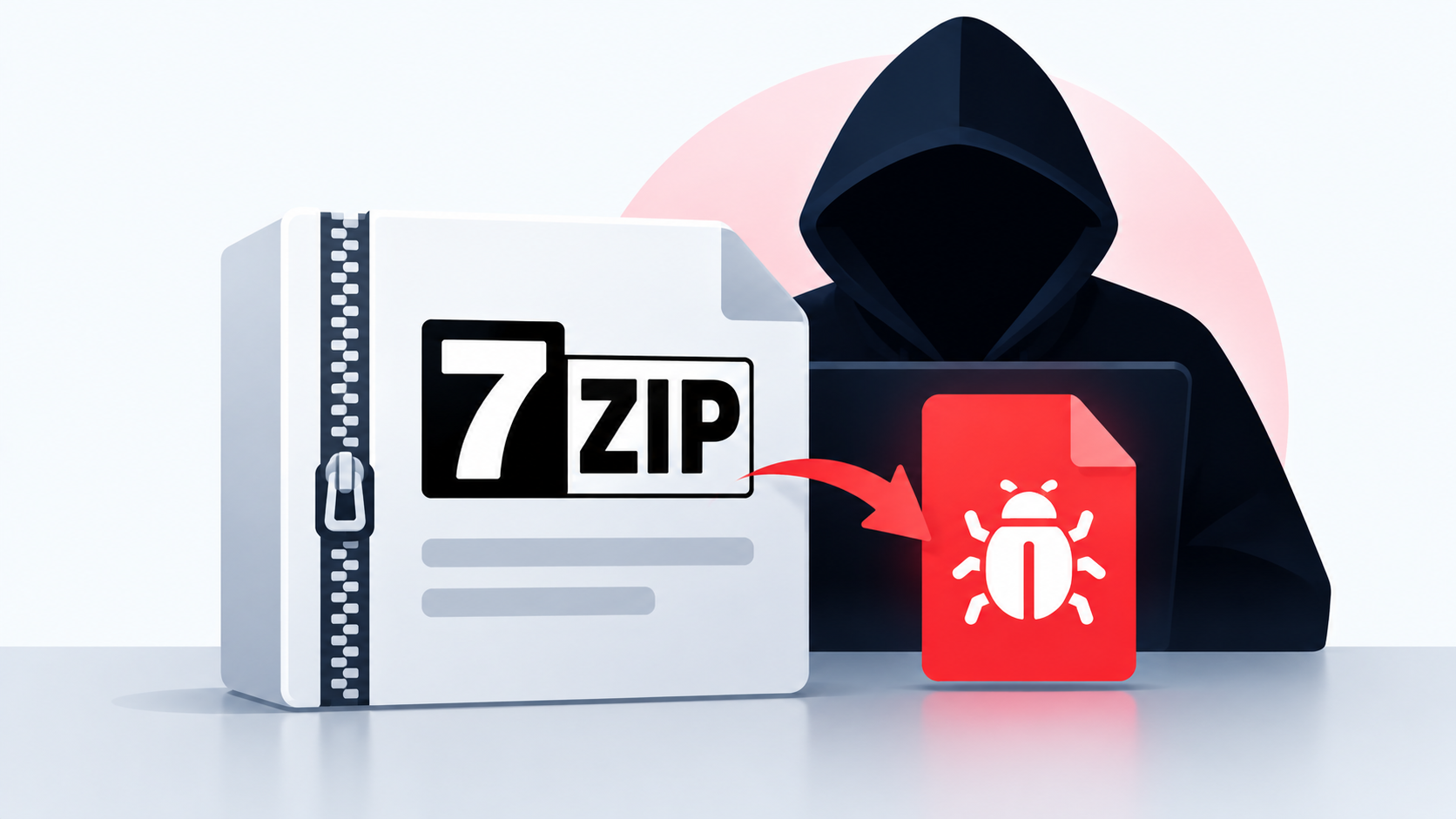
Cybersecurity researchers have uncovered a new technique that hides malicious code inside a 7-Zip self-extracting installer.
At first glance, the file can look like a normal software installer. However, the attackers have modified the part of the installer responsible for unpacking the files. This hidden code can run before the main application is installed and connect to a server controlled by the attackers.
The samples are linked to OpenSUpdater, a malware family previously associated with certificate-based evasion techniques. Researchers found that attackers packaged a legitimate foobar2000 installer inside the modified 7-Zip package to make the file appear trustworthy.
The legitimate software is essentially being used as a distraction while the malicious code operates in the background.
Malicious Code Hidden in the Installer
The technique takes advantage of the way 7-Zip self-extracting archives work.
Normally, the installer extracts the files and launches the selected program. In these samples, attackers changed the open-source extraction component and added their own loader.
The malicious code was placed inside a normal-looking extraction routine rather than at an obvious starting point. This can make it easier to miss during a quick security review.
Researchers also found several unusual signs in the samples, including:
- A legitimate application packaged inside another installer
- Modified open-source extraction code
- An unusual digital certificate
- Extra padding inside the certificate
- Suspicious version information
- A hidden loader that contacts an external server
The samples were analyzed by G Data Software, while security products from ESET identify the malware as OpenSUpdater. Microsoft refers to the activity as Snackarcin.
Hidden Loader Downloads Additional Payloads
The modified installer does more than simply extract the legitimate application.
The hidden loader contains an encoded server address and uses it to contact the attacker’s infrastructure. It can download additional DLL files and encrypted data, which can then be used to continue the infection.
The researchers were unable to obtain the final downloaded components, so the exact behavior of the final payload could not be confirmed.
A similar technique was also found in an NSIS-based installer, where attackers modified an open-source plugin to execute their loader under a specific condition.
This approach creates a problem for security analysts because simply checking the application contained inside the installer may not be enough. The malicious behavior can begin before the legitimate program is launched.
What Security Teams Should Look For
The research does not indicate that every 7-Zip installer is dangerous. Instead, it shows how attackers can modify legitimate open-source components and use trusted software to disguise their activity.
Security teams should pay close attention to installers that contain unexpected layers or unusual components.
Important warning signs include:
- Installers containing another installer
- Unexpected changes to open-source components
- Certificates with unusual padding or metadata
- Software publishers that do not match the bundled application
- Network connections made before the main program starts
- Unknown DLL files or encrypted data downloaded during installation
A valid digital signature should also not be treated as proof that an entire installer is safe. The signature may belong to a legitimate component while other parts of the package have been altered.
The main lesson from this campaign is simple: don’t stop your analysis at the application you can see. Attackers may hide their loader inside the installation process itself, making the installer just as important to investigate as the software it contains.
IoCs
About the Author