FHN
FHN 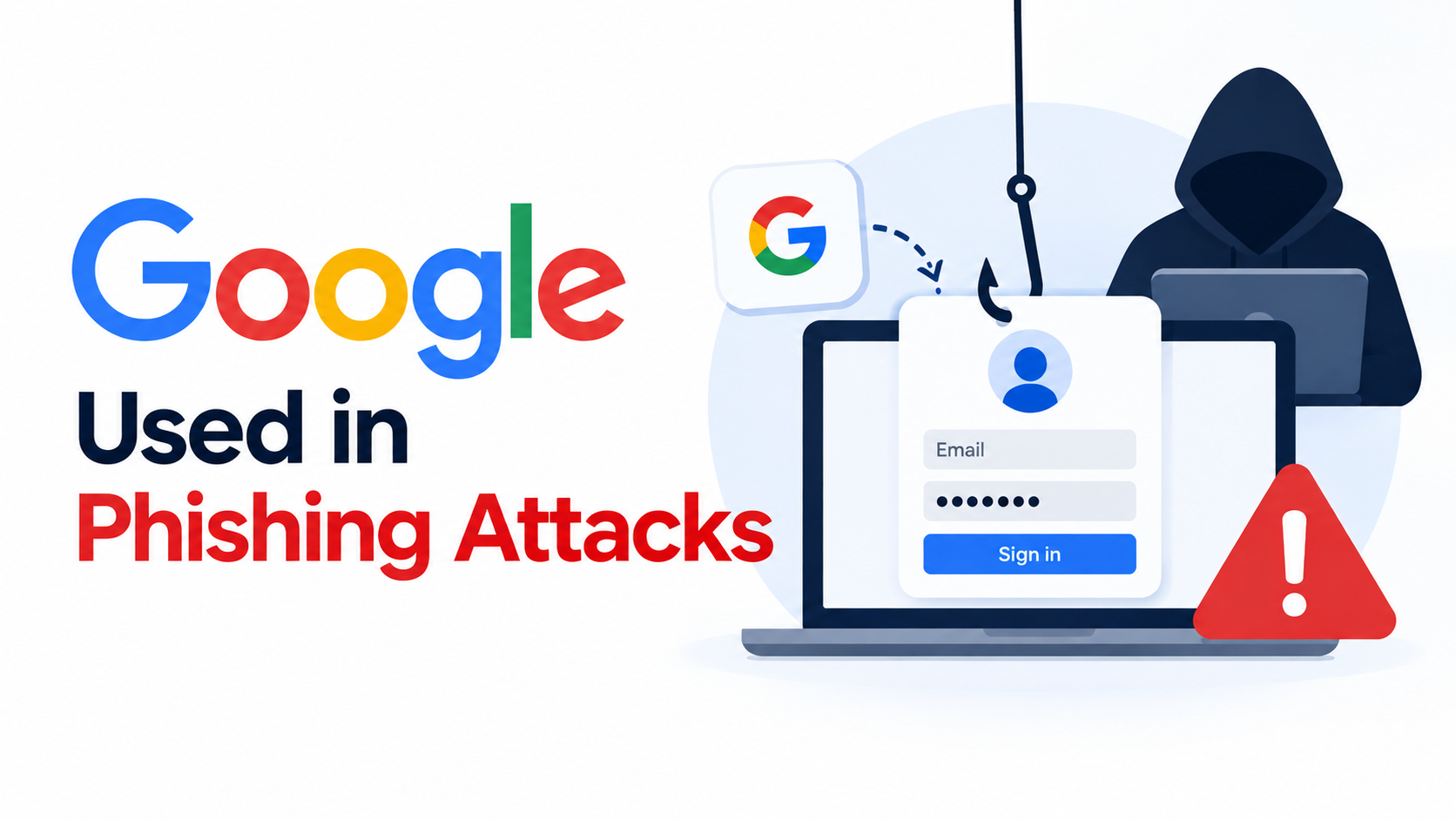
Cybercriminals are using legitimate Google services to make phishing campaigns look more trustworthy. The campaign is designed to steal corporate credentials and, in some cases, install remote-access software on victims’ devices. These tactics are part of a larger trend of Google phishing attacks that exploit user trust.
Instead of sending victims directly to a suspicious website, attackers route them through genuine Google-owned services before taking them to malicious pages.
Trusted Google Services Used as a Cover
The phishing emails use common workplace themes that employees may recognize, including:
Awareness of Google phishing attacks is crucial for organizations to prevent potential data breaches and financial loss.
- Document review requests
- Expiring mailbox warnings
- Package delivery notifications
- Payment alerts
- Voicemail messages
- Government benefit notices
The campaign has targeted employees in sectors such as manufacturing, government, finance, and non-profit organizations.
Security researchers found that attackers are using services such as Google Meet, Google Search, DoubleClick, Custom Search, Image Search, Tag Manager, and Analytics as part of their redirect chains.
Because these are legitimate Google domains, the links can appear less suspicious to both users and automated security tools.
Hidden Redirects Make Detection Harder
The attack does not always reveal the final phishing website immediately. Victims may pass through several legitimate Google services before reaching the attacker-controlled page.
Attackers also hide the victim’s email address inside the URL fragment after the # symbol. In some cases, the information is encoded using Base64.
This technique can make the targeted email address less visible to security systems because browsers normally do not send URL fragments to web servers.
As a result, the attackers can personalize the phishing page while keeping some of the targeting information out of server logs and scanning systems.
Fake Login Pages Target Corporate Credentials
Once the victim reaches the final website, the phishing kit can collect information about the browser and location before displaying the fake login page.
The page may be customized for each victim by:
- Displaying the company’s logo
- Showing a screenshot of the organization’s website
- Automatically filling in the victim’s email address
- Matching the user’s browser language
- Checking whether the target email domain is active
These details make the fake page look much more like a legitimate company login portal.
When a victim enters a password, the stolen information can be sent to the attackers. The page may then show an incorrect password message and ask the victim to try again, potentially allowing the attackers to capture another credential.
Some Victims Face Remote Access Risks
The campaign also includes a fake verification process that can lead to the installation of ScreenConnect, a legitimate remote-management application.
Although ScreenConnect is a genuine business tool, attackers can misuse remote-access software to gain control of compromised systems.
A successful attack could therefore give criminals access to more than just a password. Compromised credentials or remote access may expose:
- Corporate email
- Cloud documents
- Internal applications
- Sensitive business information
- The employee’s workstation
How Organizations Can Protect Employees
Organizations should treat trusted-domain links with the same caution as unfamiliar links. A legitimate Google domain does not automatically mean that the final destination is safe.
Security teams should:
- Monitor for suspicious Google redirect chains.
- Look for unexpected ScreenConnect installations.
- Reset credentials for users confirmed to be compromised.
- Monitor unusual authentication activity.
- Block known malicious indicators at DNS and proxy layers.
- Watch for suspicious Telegram Bot API traffic.
- Report malicious redirect URLs to Google and security providers.
Final Thoughts
This campaign shows how attackers are adapting traditional phishing techniques by hiding malicious activity behind services that users and security systems already trust.
The key lesson is simple: trusted domains can be abused. Employees should verify the final destination of a link, avoid entering credentials on unexpected pages, and treat unusual verification or software-installation requests as potential warning signs.
Indicators of compromise
| Type | Indicator | Description |
|---|---|---|
| Domain | vazquezfleytas[.]com | Credential harvester |
| Domain | zh-l-haixing[.]com | Credential harvester |
| Domain | odahlzr5lm[.]reliabilityinoperations[.]de | Credential harvester |
| Domain | cloudbemismanufacturingcompanygroup[.]rydezyhrsysteminc[.]vu | Credential harvester |
| Domain | servicetriumphgroupsimplyappraisals[.]spectrhwqumbrands[.]vu | Credential harvester |
| Domain | unitedtechnofzmlogies[.]vu | Credential harvester |
| Domain | velvorra[.]com | Credential harvester |
| Domain | cloudgillettebrandberkshirehathaway[.]rtzcoekdrporation[.]vu | Credential harvester |
| Domain | furqanmustafa[.]com | Credential harvester / infrastructure |
| Domain | staiwooje[.]app | Credential harvester |
| Domain | edificiocristal[.]pt | Infrastructure |
| Cloudflare Worker | Link-form-unj9[.]p-sm7rw6ru[.]workers[.]dev | Credential harvester |
| Cloudflare Worker | data-cloud-ofe8[.]p-8yejy42o[.]workers[.]dev | Credential harvester |
| Telegram Chat ID | 7861974506 | C2 exfiltration |
| Domain | goldenearth[.]ma | Credential harvester |
| Domain | document24acces[.]com | Credential harvester |
| Domain | anglictina-doucovani[.]cz | Infrastructure |
| Domain | camara-verde[.]org | Infrastructure |
| Domain | demo[.]mybluekart[.]com | Credential harvester |
| Domain | sefvraa[.]com | Credential harvester |
| Domain | guzeldagenerji[.]com[.]tr | Infrastructure |
| Domain | monntgro[.]com | Credential harvester |
| Domain | cindymagee[.]net | Credential harvester |
| Domain | itunes321[.]rovitan[.]vu | Credential harvester |
| Domain | servicesmallplanetdigitalsystems[.]gdipbrinfotech[.]vu | Credential harvester |
| Domain | pittni[.]com | Credential harvester |
| SharePoint tenant | amzn-redirecturl-dc73bfyf29-campaign[.]sharepoint[.]com | Redirect infrastructure |
About the Author