FHN
FHN 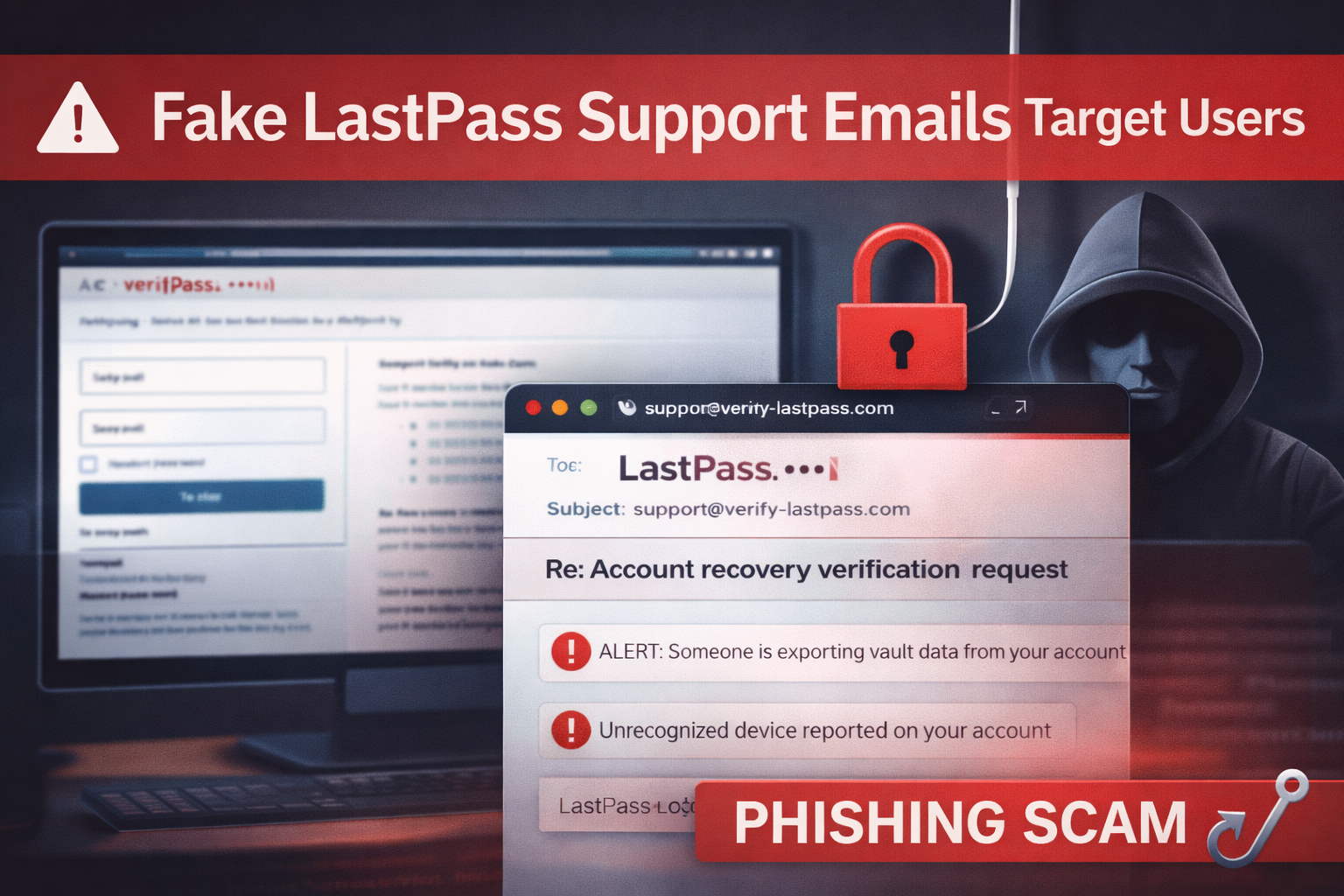
A new phishing campaign is pretending to be LastPass support emails to trick users into revealing their vault passwords and account credentials.
Attackers send emails that look like internal support conversations about suspicious activity on a user’s account.
These messages claim that someone is attempting actions such as:
- Exporting vault data
- Recovering the account
- Registering a new trusted device
The goal is to scare users into reacting quickly.
How the Phishing Attack Works
Hackers use a method called display name spoofing. The sender name appears as LastPass Support, but the actual email address comes from a different domain.
Many email apps, especially on mobile devices, show only the sender name. Because of this, users may not notice the fake address.
The email then asks users to secure or verify their account by clicking a link.
However, the link leads to a malicious website such as:
verify-lastpass[.]com
This site hosts a fake LastPass login page designed to look identical to the official one. If users enter their credentials, attackers can capture their master password and access their stored vault data.
Common Phishing Email Signs
The phishing emails often include LastPass branding and fake message threads to appear legitimate.
Some of the subject lines used include:
- “Account recovery verification request”
- “Unauthorized vault export attempt detected”
- “New trusted device registered to your account”
These messages create urgency so users click before verifying the source.
Security Advice for LastPass Users
LastPass has warned that it will never ask for a user’s master password through email.
Users should take the following precautions:
- Check the full sender email address carefully
- Avoid clicking links inside emails
- Access LastPass directly through the official website or app
- Enable multi-factor authentication (MFA)
- Report suspicious emails to abuse@lastpass.com
Why This Attack Matters
Phishing attacks are becoming more realistic and harder to detect.
Since password managers store sensitive data, they are a high-value target for cybercriminals. Users should always verify security alerts and avoid rushing to click links, even when the message appears legitimate.
About the Author