FHN
FHN 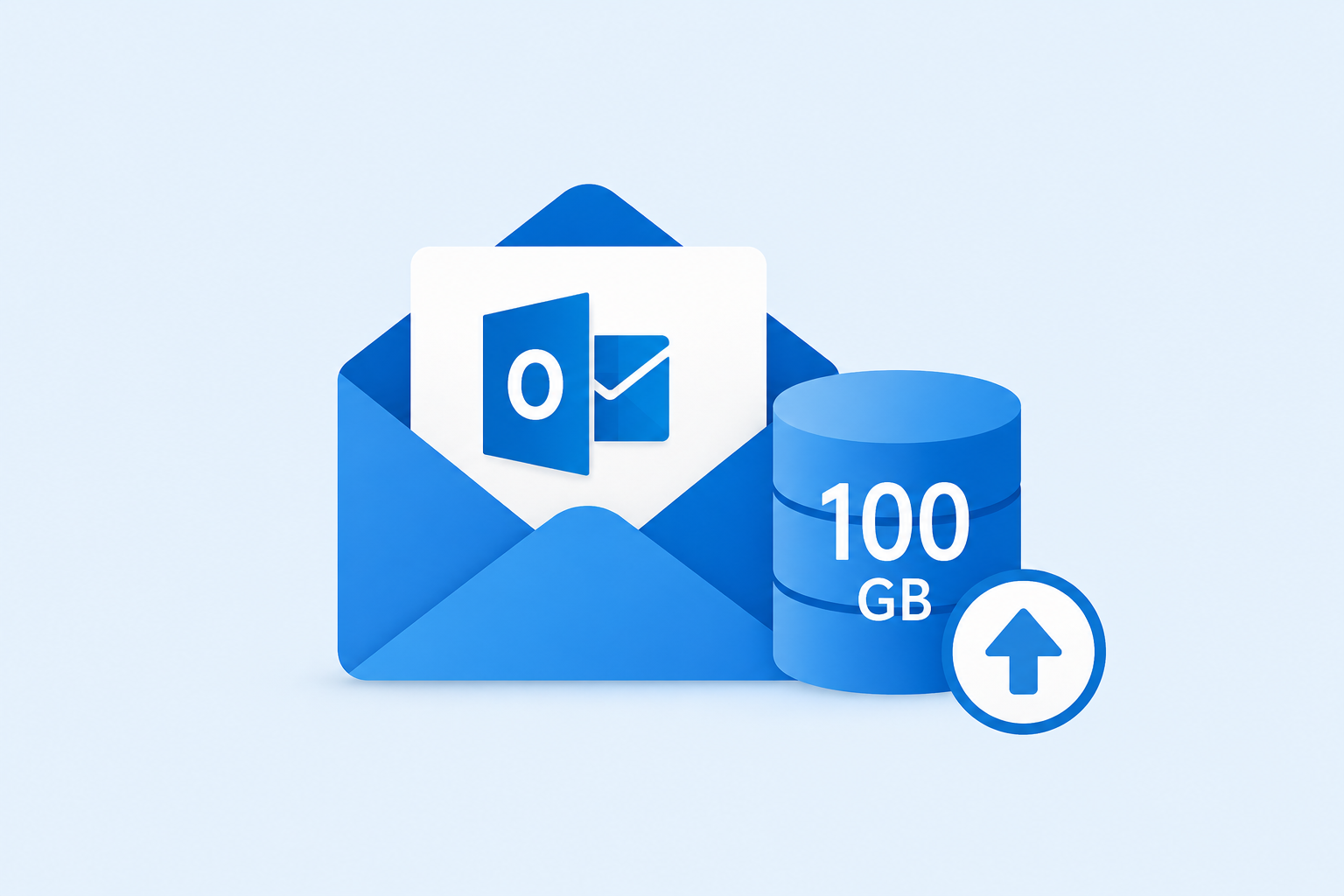
Microsoft is rolling out a major mailbox storage increase for users with Microsoft 365 Business Basic, Business Standard, and Business Premium. Eligible users can now receive up to 100 GB of primary Exchange Online mailbox storage, twice the previous 50 GB limit.
The rollout is part of Microsoft’s 2026 licensing and packaging changes. It began in June and is expected to continue through September.
The increase applies specifically to the primary mailbox. It does not automatically add Exchange Online Plan 2 features, archive storage, or additional compliance capabilities.
How the New 100 GB Storage Works
Microsoft is providing the additional capacity through Exchange service plans.
The existing BPOS_S_STANDARD plan provides the original 50 GB entitlement, while the new EXCHANGE_STORAGE_50GB service plan adds another 50 GB.
When both applicable plans are active, an eligible user can receive the full 100 GB primary mailbox limit.
Administrators can check whether the new storage plan has been assigned through the Microsoft 365 admin center under:
Users → Active users → Licenses and apps
The assignment can also be checked using Microsoft Graph PowerShell:
$licenses=Get-MgUserLicenseDetail-UserIduser@contoso.com$licenses.ServicePlans|Where-ObjectServicePlanName-eq"EXCHANGE_STORAGE_50GB"|Select-ObjectServicePlanName, ProvisioningStatus
The new storage entitlement is currently aimed at Microsoft 365 Business Basic, Business Standard, and Business Premium users. Standalone Exchange Online Plan 1 users can still have the 50 GB primary mailbox limit.
It is also important to understand that mailbox storage does not stack when multiple Exchange-related licenses are assigned. A user with Business Premium and another license offering higher Exchange capacity does not receive the combined total of both allowances.
Administrators Can Check the Effective Quota
Microsoft also preserves mailbox quotas that administrators have manually configured.
For example, if an administrator previously reduced a user’s mailbox limit to 20 GB, the new service plan does not automatically override that custom setting.
Administrators can check the current mailbox quota using Exchange Online PowerShell:
Get-Mailbox-Identityuser@contoso.com|Format-ListIssueWarningQuota,ProhibitSendQuota,ProhibitSendReceiveQuota,UseDatabaseQuotaDefaults
For an eligible user with the required service plans and no custom quota, the mailbox can have an effective maximum of 100 GB.
The rollout may not happen for every user at the same time. Microsoft is provisioning the additional service plan gradually, so users within the same organization could see the increased capacity at different times.
Microsoft expects the rollout to continue through September 2026. Administrators should allow the normal licensing process to complete rather than removing and reassigning licenses simply to trigger the storage increase.
This change gives many Microsoft 365 Business customers significantly more room for email while keeping the increase focused on the primary Exchange Online mailbox.
About the Author