FHN
FHN 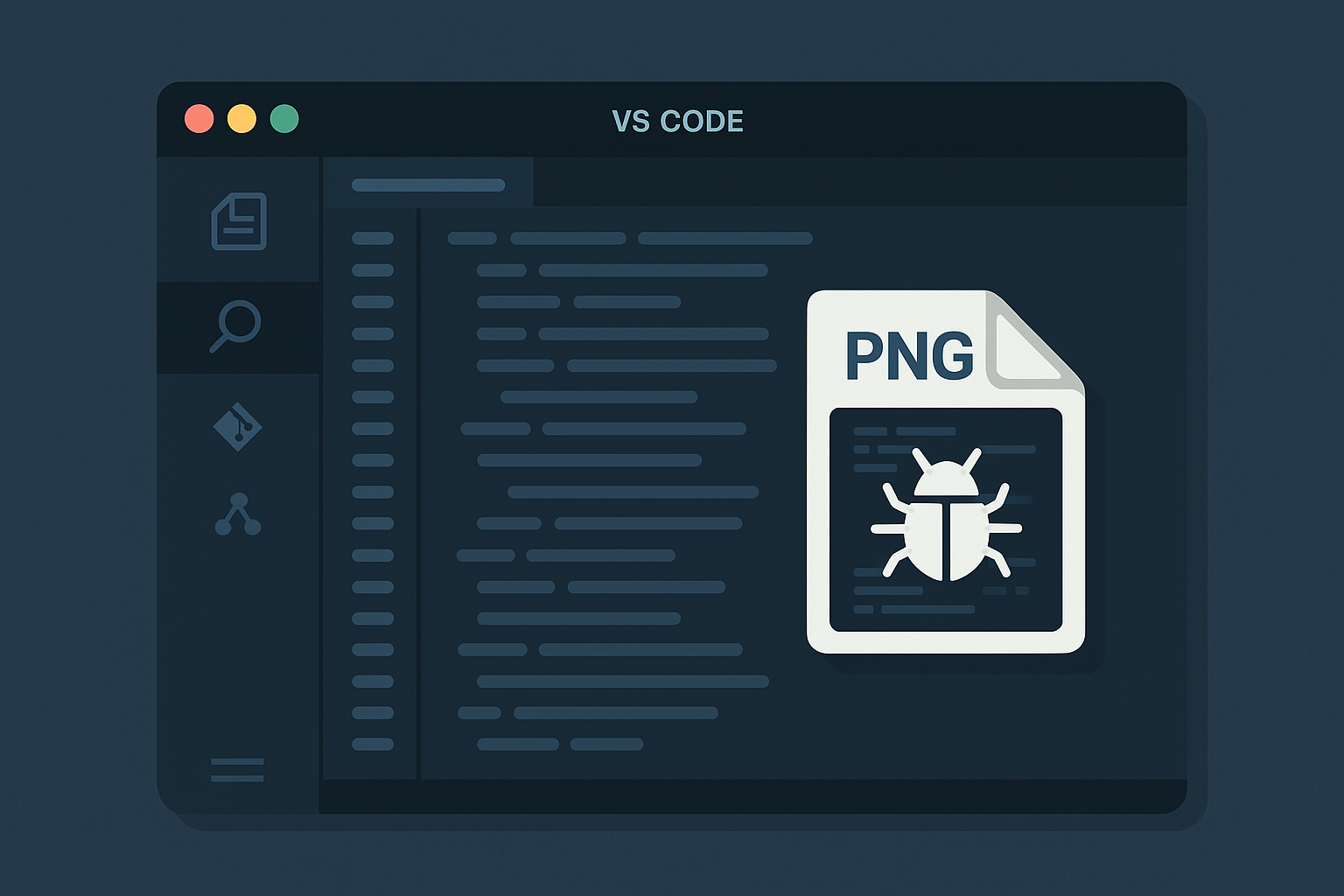
ReversingLabs has uncovered a supply-chain attack involving 19 malicious VS Code extensions.
Active since February 2025, the campaign was exposed on December 2 and takes advantage of the trust developers place in extensions by hiding malware inside their dependency folders.
The attackers used a clever trick: they hid malicious binaries inside a file that looked like a normal PNG image.
Throughout 2025, researchers saw a steady rise in harmful extensions uploaded to the VS Code Marketplace.
Unlike older attacks that abused pull requests, this operation takes advantage of how VS Code extensions work differently from npm packages.
npm packages download their dependencies when installed.
VS Code extensions, however, ship with a pre-built node_modules folder.
Threat actors abused this by modifying local copies of popular libraries—without touching the real versions on npm.
The main target was path-is-absolute, a package with more than 9 billion downloads.
By changing only the version bundled inside the extension, the attackers kept npm completely clean while turning the extension itself into a delivery vehicle.
“Banner.png” Trick
The attack uses a multi-stage chain hidden inside the modified dependency.
The attackers changed index.js in path-is-absolute to load a new class that launches the malware when VS Code opens.
This class decodes a JavaScript dropper stored inside a fake PNG file named Banner.png, obscured with base64 and reversed strings.
When triggered, the dropper extracts hidden binaries and runs them using cmstp.exe, a legitimate Windows LOLBIN.
One binary closes the cmstp window automatically, while the other is a Rust-based trojan still being analyzed.
Most of the extensions used this same path-is-absolute trick, but four of them targeted a different library: @actions/io.
In these cases, the attackers didn’t use the PNG disguise. Instead, they hid their binaries inside files pretending to be .ts and .map files.
The table below summarizes the main technical components used in this attack and their roles in the infection chain:
| Component | File Type | Role in the Attack |
|---|---|---|
| path-is-absolute | npm package | A legitimate dependency altered inside the extension to run malicious code |
| banner.png | Archive | A fake image that actually stores the Rust trojan and helper binaries |
| lock | Obfuscated file | Holds the reversed, base64-encoded JavaScript dropper |
| index.js | Script | Modified entry point that decodes and launches the dropper |
| cmstp.exe | LOLBIN | A trusted Windows tool abused to execute the extracted payload |
| @actions/io | npm package | Another library used in some extensions to hide malware in .ts and .map files |
Growing Threat to Developer Tools
A key piece of this campaign is a file named banner.png.
It looks like an ordinary image used by the extension, but ReversingLabs found that it actually contains two malicious binaries packaged as an archive.
This attack reflects a wider trend of threat actors increasingly targeting developer environments.
ReversingLabs reports that malicious extensions on the VS Code Marketplace have surged—from 27 detections in 2024 to 105 detections in just the first ten months of 2025.
Security teams are urged to carefully review extensions, especially those with low download numbers or recent uploads.
Because malware can be buried deep inside the node_modules folder rather than the main extension code, development pipelines now require stronger automated scanning and deeper dependency inspection to stay secure.
About the Author