FHN
FHN 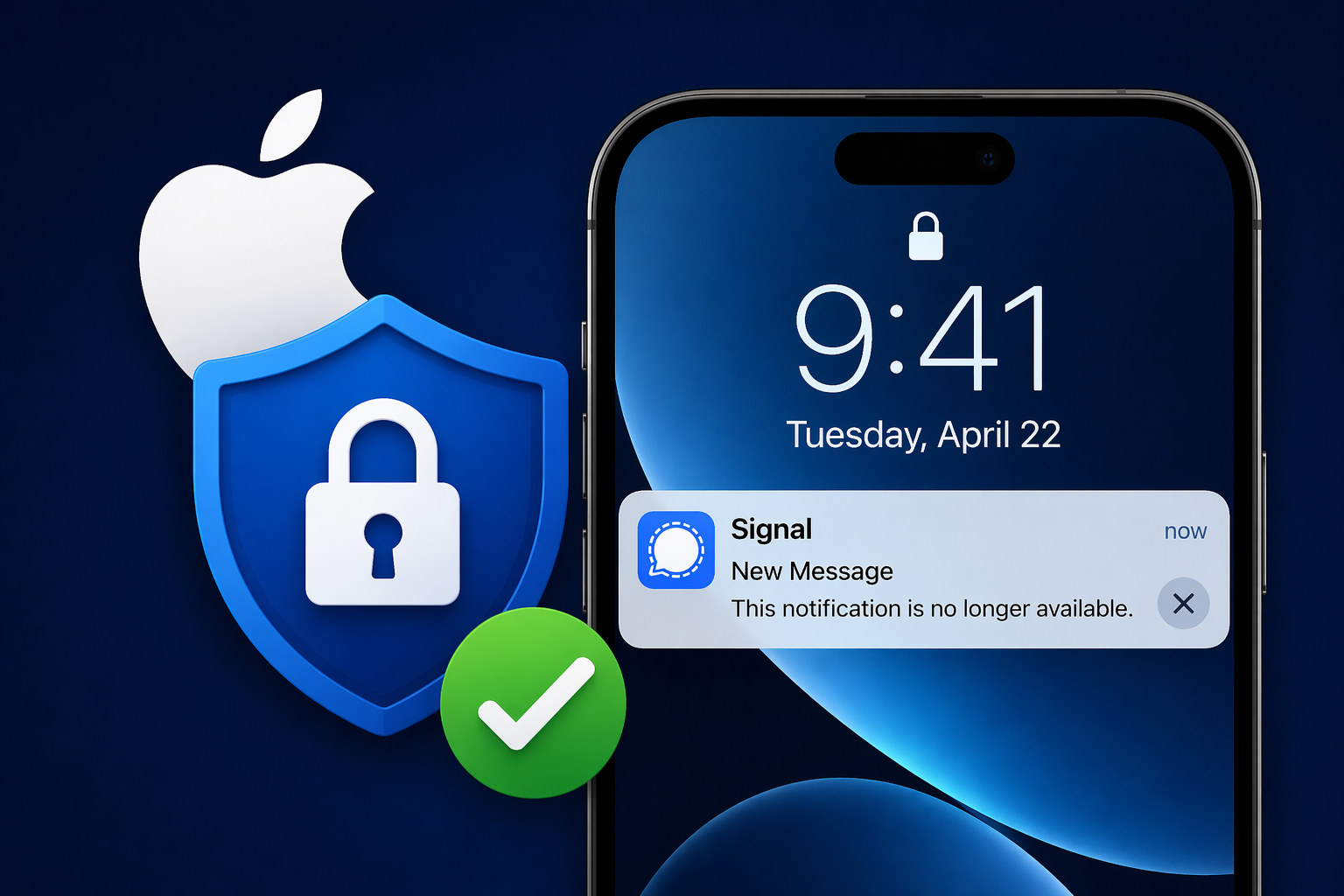
Apple has released iOS 26.4.2 and iPadOS 26.4.2 to fix a serious privacy issue related to notifications. This issue affected how message previews were stored on devices and could expose sensitive information even after apps were removed.
The flaw impacted apps like Signal, where message previews could remain on the device even after the app was deleted. This created a privacy risk, as users would assume their data was completely removed.
Apple Notification Privacy Flaw Explained
The vulnerability, tracked as CVE-2026-28950, was caused by a problem in Apple’s notification logging system. Instead of fully deleting notifications, some data was still being stored in system logs.
This meant that message previews, including private conversations, could still exist on the device. Reports showed that investigators were able to recover this data, even after the app had been uninstalled.
Why This Matters
This issue is important because it shows that even secure apps can be affected by system-level behavior. While Signal uses strong encryption, the operating system storing notification previews created an unexpected privacy gap.
Key concerns included:
- Notifications not being fully deleted
- Sensitive message previews remaining accessible
- Data exposure happening outside the app itself
Apple’s Fix and Improvements
Apple resolved the issue by improving how notification data is handled and cleared from the system.
With the update:
- Notification data is properly removed
- Previously stored data is cleared automatically
- Future notifications are no longer retained after deletion
Signal also acknowledged the fix and supported the update, highlighting its importance for user privacy.
Devices That Receive the Update
The update is available for multiple Apple devices, including:
- iPhone 11 and newer
- iPad Pro (recent models)
- iPad Air (3rd generation and later)
- iPad (8th generation and later)
- iPad mini (5th generation and later)
Older supported devices can receive similar security fixes through updated versions.
What Users Should Do
Users should update their devices as soon as possible to stay protected. Keeping your system updated helps prevent privacy risks and ensures your data is secure.
To install the update, go to Settings, tap General, and select Software Update.
Follow Us on:Linkedin, Instagram, Facebook to get the latest security news!
About the Author