FHN
FHN 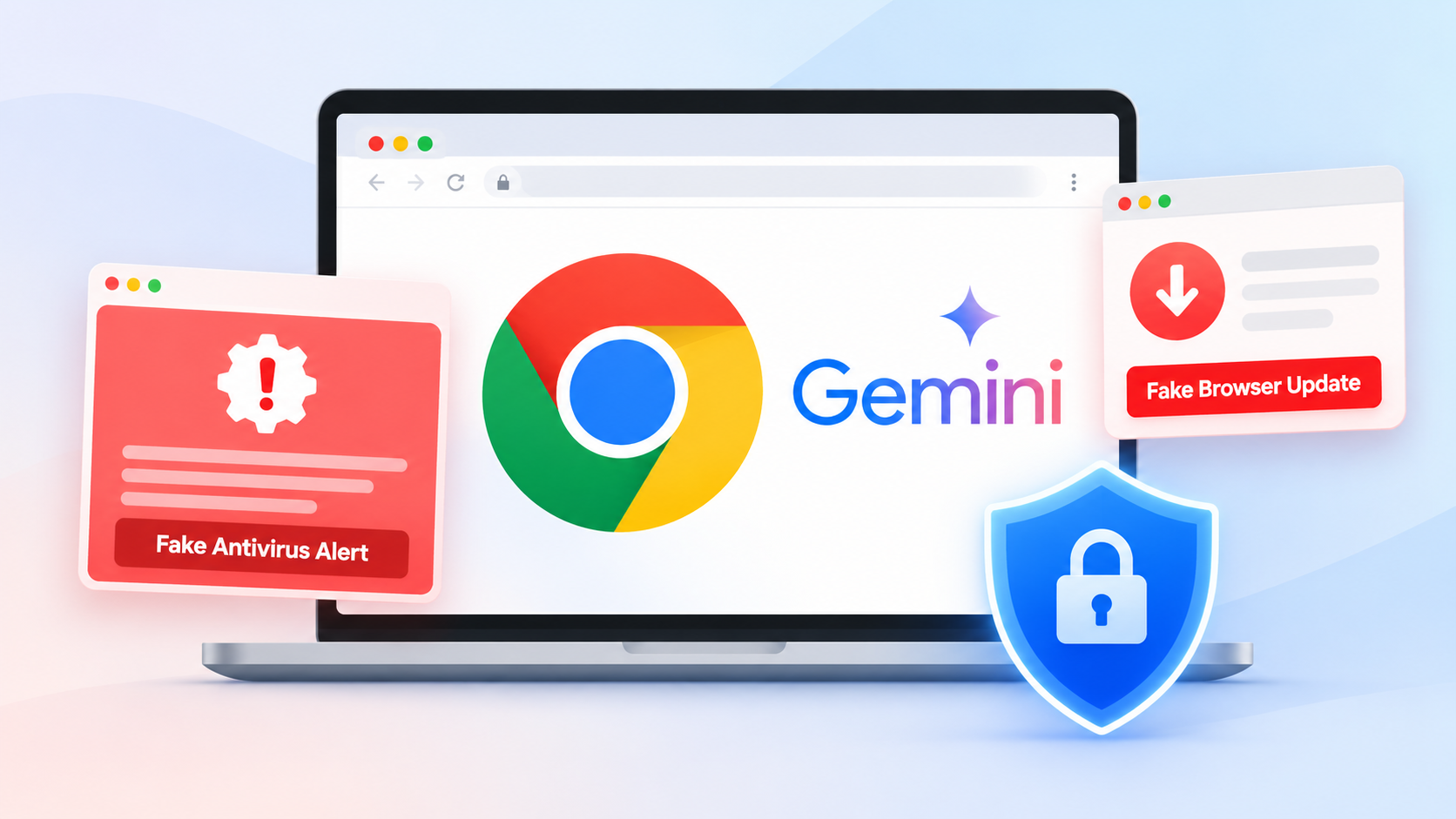
Chrome uses Gemini AI to help identify fake antivirus alerts and fraudulent browser updates.
Google is improving Chrome’s security with a new server-side Gemini AI model designed to detect fake antivirus warnings, fraudulent browser updates, and other online scams.
Announced on October 20, 2026, the new protection is available to users who enable Enhanced Protection in Chrome’s Safe Browsing settings.
The update builds on Google’s earlier use of Gemini AI to identify technical support scams on supported devices. By using a more powerful server-side model, Chrome can analyze a wider range of suspicious websites and help users avoid online threats.
How Gemini AI Identifies Online Scams
Fake antivirus alerts and browser update messages often trick users into believing their devices are infected or out of date. These pages may encourage visitors to download malicious software, share sensitive information, or follow dangerous instructions.
Chrome’s new Gemini model examines suspicious webpage content to understand what the site is trying to do. It assesses the page’s purpose and generates a score indicating how likely it is to be a scam.
Chrome combines this analysis with domain reputation and other security signals before deciding whether to display a warning.
Google says server-side analysis is limited to webpage text that already shows strong signs of a scam. The content processed for this purpose is not logged, retained, or used to train AI models.
This approach helps Chrome investigate suspicious pages while limiting the information processed.
New Warnings and Protection Against ClickFix Attacks
Google is also improving how Chrome warns users about potentially dangerous websites.
The browser will distinguish between two types of warnings:
- Suspicious websites: Pages showing deceptive behavior that may indicate a scam, but where the evidence is less certain.
- Dangerous websites: Pages identified as posing a high risk to users, which trigger Chrome’s familiar full-page red warning.
This distinction helps users understand the level of risk before continuing to a website.
Chrome is also strengthening its defenses against ClickFix attacks, a technique in which scammers trick people into running commands on their computers by pretending to help them fix a technical problem.
These attacks may instruct users to copy commands into Windows tools such as PowerShell or Command Prompt. Running those commands can download or execute malware, potentially bypassing normal browser download protections.
Chrome can now detect potentially malicious commands copied during suspected ClickFix activity. Before sending clipboard content to Safe Browsing for analysis, it removes personally identifiable information.
If the system identifies a dangerous command, Chrome displays a warning. Google says the detection system is designed to prioritize accuracy and reduce unnecessary interruptions for legitimate users, including developers.
How to Enable Chrome’s Enhanced Protection
These new defenses require Enhanced Protection to be enabled in Chrome.
Users can check the setting by following these steps:
- Open Google Chrome.
- Click the three-dot menu and select Settings.
- Open Privacy and security.
- Select Safe Browsing.
- Choose Enhanced protection.
Enhanced Protection provides additional safeguards against dangerous websites, downloads, and online scams.
Google describes this mode as offering substantially more protection than Standard Protection. However, its claim that users are “ten times safer” refers to the average number of security warnings received across protection modes, not a proven tenfold reduction in successful cyberattacks.
As online scams become more convincing, AI-based detection can provide another layer of defense. Users should still avoid running unfamiliar commands, downloading software from untrusted websites, or following unexpected security alerts.
Conclusion: Google’s Gemini-powered security improvements aim to help Chrome users recognize deceptive websites and dangerous commands before they cause harm. Enabling Enhanced Protection and staying alert to suspicious instructions can help reduce the risk of online scams.
About the Author