FHN
FHN 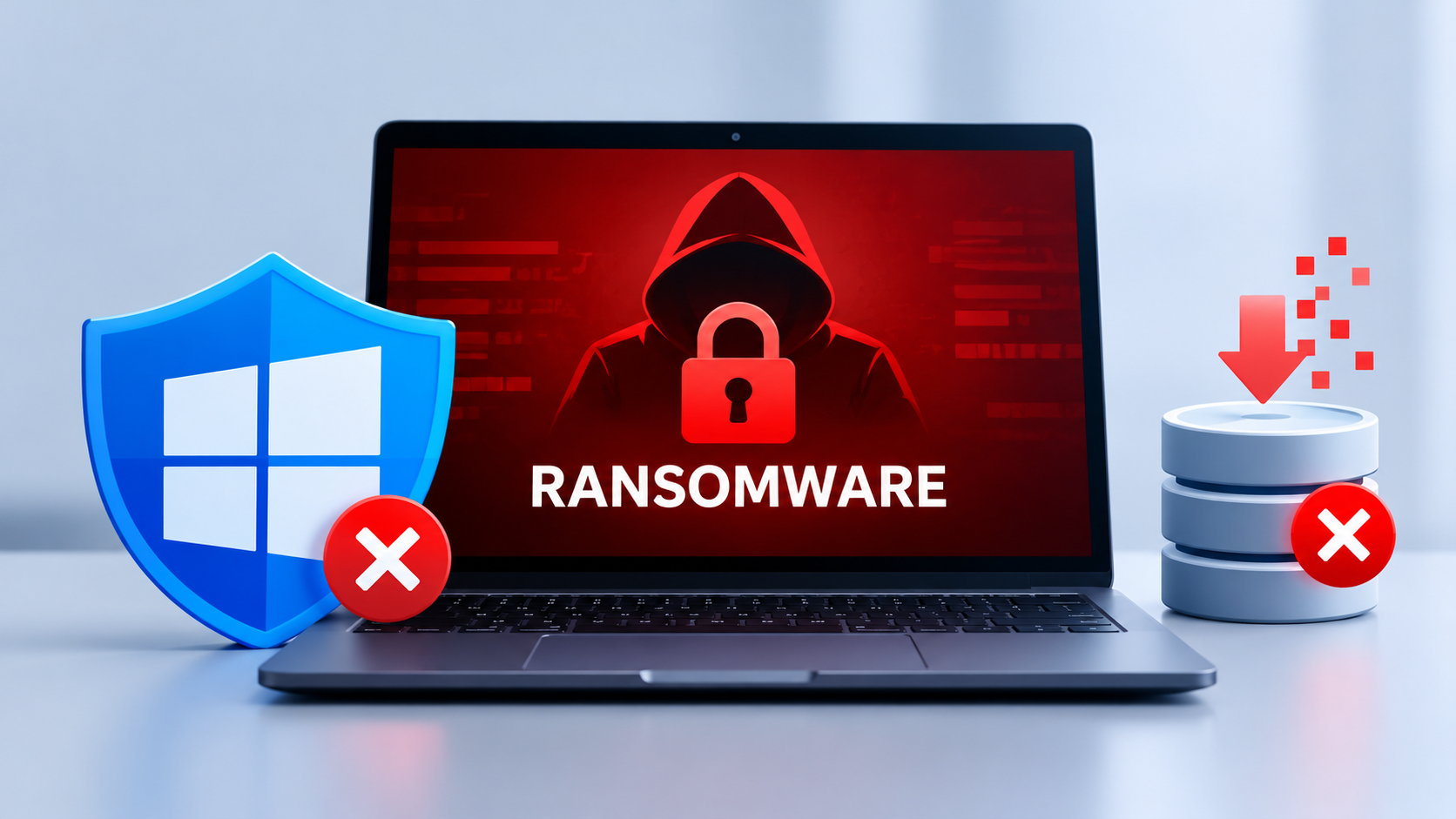
Ransomware attacks are becoming harder to recover from as cybercriminals increasingly target the tools organizations rely on to protect and restore their systems. The Gentlemen ransomware operation is one example, using a combination of security interference, network access, and data encryption to increase pressure on victims.
According to research from Acronis’ Threat Research Unit, this ransomware can interfere with Microsoft Defender, disrupt backup operations, and remove recovery data from compromised Windows computers. These actions can leave organizations with fewer options when trying to restore their systems.
The operation also uses double extortion, meaning victims may face both encrypted files and the threat of stolen information being exposed.
A Ransomware Attack Designed to Disrupt Recovery
Many ransomware incidents begin with unauthorized access. Once inside a network, attackers may try to weaken security controls before launching the main attack.
The Gentlemen ransomware uses several techniques to achieve this. Rather than focusing only on encrypting documents, it attempts to interfere with multiple parts of the affected environment.
Its activities can include:
- Tampering with Microsoft Defender settings to reduce malware detection.
- Stopping services used by backup platforms, databases, and virtual machines.
- Removing Windows Volume Shadow Copies that may help restore previous file versions.
- Clearing selected system records that could help investigators reconstruct the incident.
- Establishing persistence so the malware can continue operating on an infected computer.
These actions can turn a malware infection into a wider business disruption. If backup operations are interrupted and recovery copies are removed, restoring affected systems may become more complicated.
How the Threat Can Reach More Computers
The risk can extend beyond the first infected machine. Acronis reports that The Gentlemen can search for connected storage and network shares, and it has capabilities for spreading across Windows environments.
When the relevant feature is enabled, the malware can identify a Windows domain and use PsExec to execute its payload on other workstations. PsExec is a legitimate administration utility, but attackers can misuse it to run programs remotely.
The ransomware may also use scheduled tasks and Windows startup registry entries to maintain persistence.
This makes monitoring activity between computers particularly important. Unexpected remote execution, unusual administrative access, or security services stopping across several devices could indicate that an intrusion is spreading.
Vulnerable Drivers Add Another Layer of Risk
The research also describes a separate tool that abuses vulnerable Windows drivers to interfere with security processes.
This approach is commonly called Bring Your Own Vulnerable Driver (BYOVD). Instead of relying only on ordinary applications, attackers exploit weaknesses in drivers that operate with elevated system privileges.
Acronis identified references to Safetica ProcessMonitorDriver and Lenovo BootRepair.sys in its analysis.
Once security tools are disrupted, ransomware may have a better opportunity to carry out malicious activity. Organizations should therefore monitor unexpected driver installations and investigate attempts to terminate endpoint protection processes.
What Happens to Files During an Attack?
The Gentlemen ransomware uses ChaCha20 encryption to lock files and elliptic-curve cryptography to protect the associated encryption keys, according to the technical report.
The malware can encrypt smaller files in full and larger files in sections. It also changes file extensions and leaves ransom notes in affected directories.
However, encryption is only one part of the threat. The group’s double-extortion approach creates a separate risk: stolen business information could be exposed even if an organization manages to recover its files.
Acronis describes the operation as a ransomware-as-a-service group that emerged in 2025 and targets multiple platforms, including Windows, Linux, network-attached storage, and BSD systems. The group has claimed more than 800 victims, although that figure has not been independently verified.
Steps Security Teams Should Take
Organizations should focus on detecting suspicious behavior early and ensuring that compromised computers cannot easily reach or destroy recovery systems.
Recommended defensive measures include:
- Monitor endpoint protection: Alert on unexpected changes to Defender settings, exclusions, and security services.
- Separate backup infrastructure: Use immutable or offline copies and restrict access from ordinary user and server accounts.
- Limit administrator privileges: Reduce the number of accounts that can install drivers or execute programs remotely.
- Watch for lateral movement: Investigate unusual PsExec activity, suspicious PowerShell commands, and unexpected connections between workstations.
- Review system integrity: Investigate unexplained log clearing, driver installations, and sudden changes to large numbers of files.
- Test recovery plans: Confirm that critical systems can be restored from clean, verified backups.
If an attack is suspected, isolate affected systems where feasible and follow the organization’s incident response process. Preserve available evidence and verify that backup environments remain safe before beginning recovery.
Final Thoughts
The Gentlemen ransomware illustrates why ransomware defense must cover more than file encryption. Security tools, administrator accounts, network connections, and backup infrastructure can all become targets during an intrusion.
Organizations that monitor suspicious system changes and keep recovery copies isolated have a better chance of limiting the impact of an attack.
IoCs
| Category | Type | Indicator |
|---|---|---|
| Windows | SHA-256 | 1334f0189a8e6dbc48456fa4b482c5726ab7609f7fa652fcc4c1a96f2334436f |
| Windows | SHA-256 | 3c2466d8a4572c26530e6f6bcef01fc1baefb98dbff2c65efaed5599622f51f3 |
| Windows | SHA-256 | 586459f1adf018de4586dcd61782839a3ee72d8469944e0f4dd45a6e20598869 |
| Windows | SHA-256 | 5206a05eb128ccdef497f7f234cb27678046f6c6b12aa7a072672f2a4694c2b9 |
| Windows | SHA-256 | 228fc86acbaa6626051fd189932cb1768254aec5a9539771cee8a567103bbec1 |
| Windows | SHA-256 | 9c6f6c0d7127c95aa1360ad6fb0ba5679527a6ea2cc17eb0bc2162dd1e13cd09 |
| Windows | SHA-256 | dce2e5cc00eff2493f8ced546dc51f9d5ef78c5ee56805906ec642dfa77a1c70 |
| Windows | SHA-256 | 7eb2fd5e79e79c3f2a95023d617062908c9d8c5aff9fed8361a5a74dc0d1af75 |
| Windows | SHA-256 | 403187f08c064f244e101bbc03f1fb5b82af8ebdf4b2be0ba1a70d59ac74b313 |
| Windows | SHA-256 | 363a435e517f344056c42f8d46ef73396220f79e780828ad35ec0a68e7525d02 |
| Windows | SHA-256 | cd66fb941e63ad9a72687cafb050ed5b4d8b97b34461168581c4f150d6501523 |
| Windows | SHA-256 | 7d90023d535096da99bffcb3370008355435d9f022232870f3c27d29be8be60c |
| Windows | SHA-256 | 7284d45bdbb1e32e3fb1ca6041b448b165795c91a2748de715798238fc8b3bff |
| Windows | SHA-256 | bd5950d4bd3de1c6d1609b8369b7332ada40c50070a9a3cd8e80ec89b19c48dc |
| Windows | SHA-256 | 4de88220ff6a6dcb137b17d8d3f77ab4bacc39ea4e4d1147f687b021b7a82b8c |
| Windows | SHA-256 | afc30b1a14f2f29572412ba883782eb3ad3a9e6bf9ff9c38aa48ff35a4ee73fa |
| Windows | SHA-256 | f483faa2b9c9815a0efb08023fe5d243b1b9f7e04b95127c506b6aae824c9d09 |
| Windows | SHA-256 | 6a70824fc1777f81c8e8289258ac951e6bac7636db5315b6d7e76c5a58b82b6b |
| EDR killer | SHA-256 | 143af42b492b0f36b296b0b593bd630248b5641c20b1ca1e5603e7e01b5b0676 |
| EDR killer | SHA-256 | a1500204822fb16556a274132d802ba18a7e8b95cf134bd17b473f915e8cda81 |
| Vulnerable driver | SHA-256 | a974a9f097bc2e26f285560f1454c70710c88c30c0ae1edfa2977ad862c56716 |
| Vulnerable driver | SHA-256 | dfdc8313921c0f594ee1cd41ff7ef73d973c667438c2dfe5c38cafdbba10defb |
| Network | Onion address | hxxp[://]tezwsse5czllksjb7cwp65rvnk4oobmzti2znn42i43bjdfd2prqqkad[.]onion/ |
| Network | SimpleX | hxxps[://]smp10[.]simplex[.]im/a#Otp0TGDMNIj_QnXcvh9ABwFsiZEaZY_BovoanW59MXI |
| Network | X account | hxxps[://]x[.]com/TheGentlemen26 |
| Threat actor | TOX chat ID | F8E24C7F5B12CD69C44C73F438F65E9BF560ADF35EBBDF92CF9A9B84079F8F04060FF98D098E |
About the Author