FHN
FHN 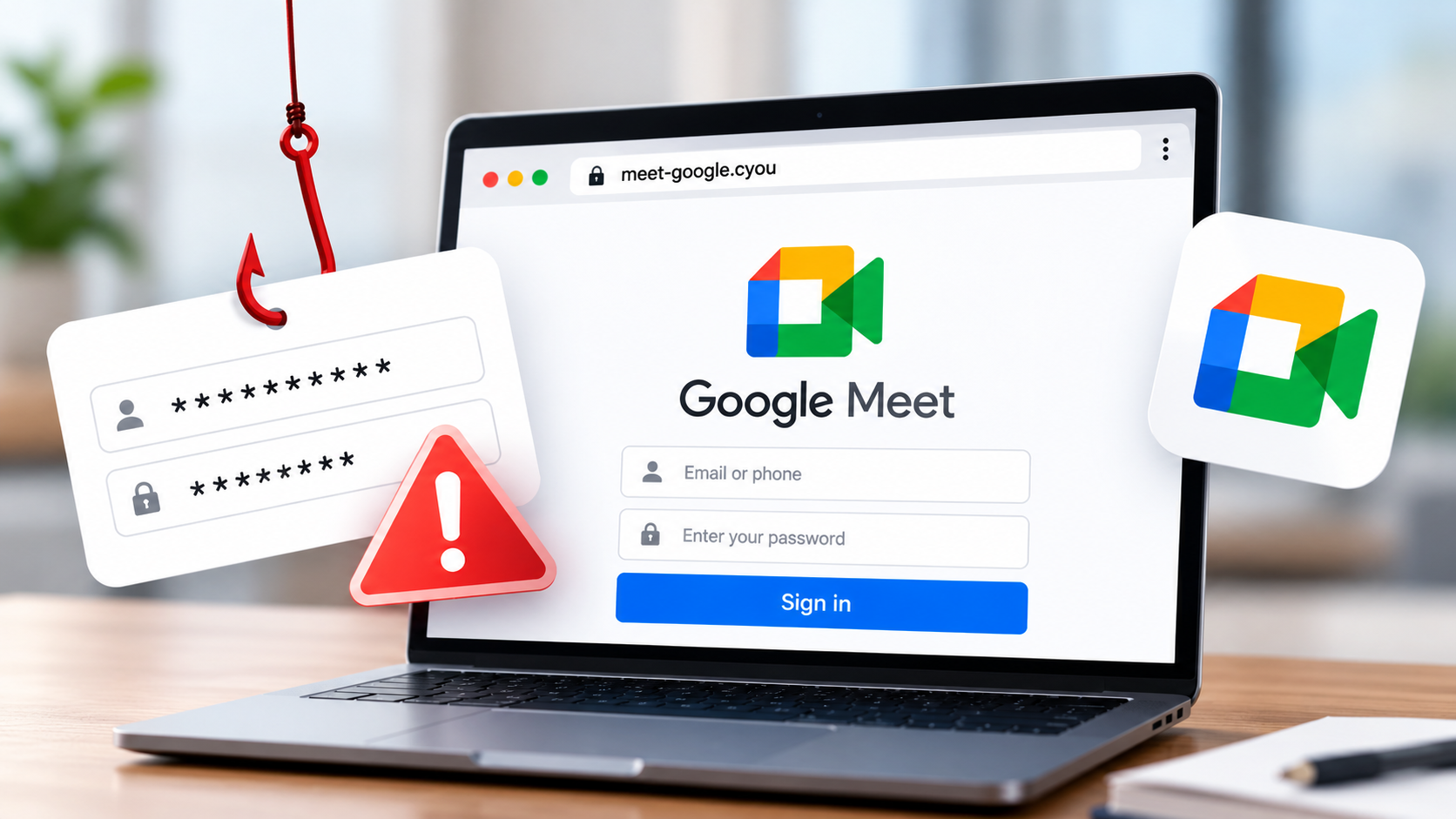
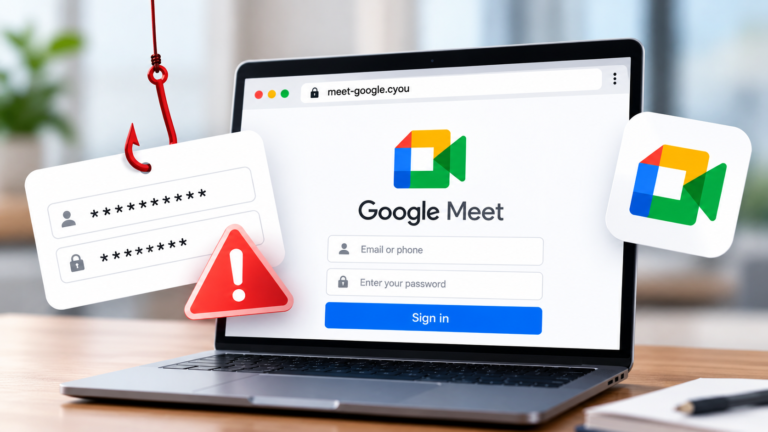
Cybercriminals are using fake Google Meet websites to trick users into revealing their Google passwords and two-factor authentication (2FA) codes. The campaign was highlighted by a security researcher on October 20, 2026.
The attackers use lookalike websites to make fraudulent sign-in pages appear trustworthy. Researchers also found an exposed installation page that reportedly reveals database settings and a prefilled password.
Although there is no confirmation of successful account theft, the findings highlight the risks of phishing attacks and weak website security.
Fake Meet Links
Security researcher Anurag (@Malwarehunterr) identified two suspicious domains linked to the campaign:
meet-google[.]cyouqooglo[.]com
Neither domain is Google’s official Google Meet website, which is meet.google.com.
The fake pages reportedly target Google account credentials and 2FA information. If users enter their passwords or verification codes, attackers may attempt to access their accounts.
A compromised account can expose emails, documents, contacts, and other sensitive information. Criminals may also use stolen accounts to send convincing phishing messages to colleagues or friends.
Users should carefully check website addresses before entering login details. A familiar logo or HTTPS connection does not prove that a website belongs to Google.
Database Exposure
The researcher also reported a security issue involving an exposed /install page. The page reportedly displays database configuration information and a prefilled database password.
If sensitive configuration details are publicly accessible, attackers may gain useful information about a website’s backend. The report does not confirm whether the database was accessed or whether the exposed password is still valid.
The investigation also identified several related web paths:
/meet/assets/js/demo.js/api/demo/sessions/api/demo/sessions/{token}/api/demo/sessions/{token}/resend
Security teams can review web logs for these paths when investigating suspicious activity. However, their presence alone does not prove a successful attack.
Website administrators should restrict access to installation pages, remove exposed secrets, change potentially compromised passwords, and review database access logs.
Stay Protected
Users and organizations can reduce the risk of credential theft by following these precautions:
- Verify links: Open Google Meet through its official website or a trusted calendar invitation.
- Protect login details: Never enter passwords or verification codes on unfamiliar websites.
- Use secure authentication: Passkeys and security keys offer stronger protection against phishing.
- Check account activity: Review recent sign-ins and remove unfamiliar devices or sessions.
- Secure website settings: Disable public access to setup pages and replace exposed credentials.
- Monitor suspicious activity: Investigate unusual login attempts and alert employees about suspicious domains.
Anyone who entered their credentials on a suspicious page should change their password through Google’s official account website, review recent security activity, and remove unfamiliar sessions. Reused passwords should also be changed on other services.
Google provides additional instructions on securing a compromised account.
Final Takeaway
Fake Google Meet websites show how attackers exploit trusted services to steal account information. At the same time, exposed installation pages can create additional security risks.
Always verify the website before signing in, protect your authentication details, and keep sensitive system configurations away from public access.
IoCs
| Type | Indicator |
|---|---|
| Domain | meet-google[.]cyou |
| Domain | qooglo[.]com |
| Web path | /meet |
| Web path | /install |
| Web path | /assets/js/demo.js |
| API path | /api/demo/sessions |
| API path | /api/demo/sessions/{token} |
| API path | /api/demo/sessions/{token}/resend |
About the Author