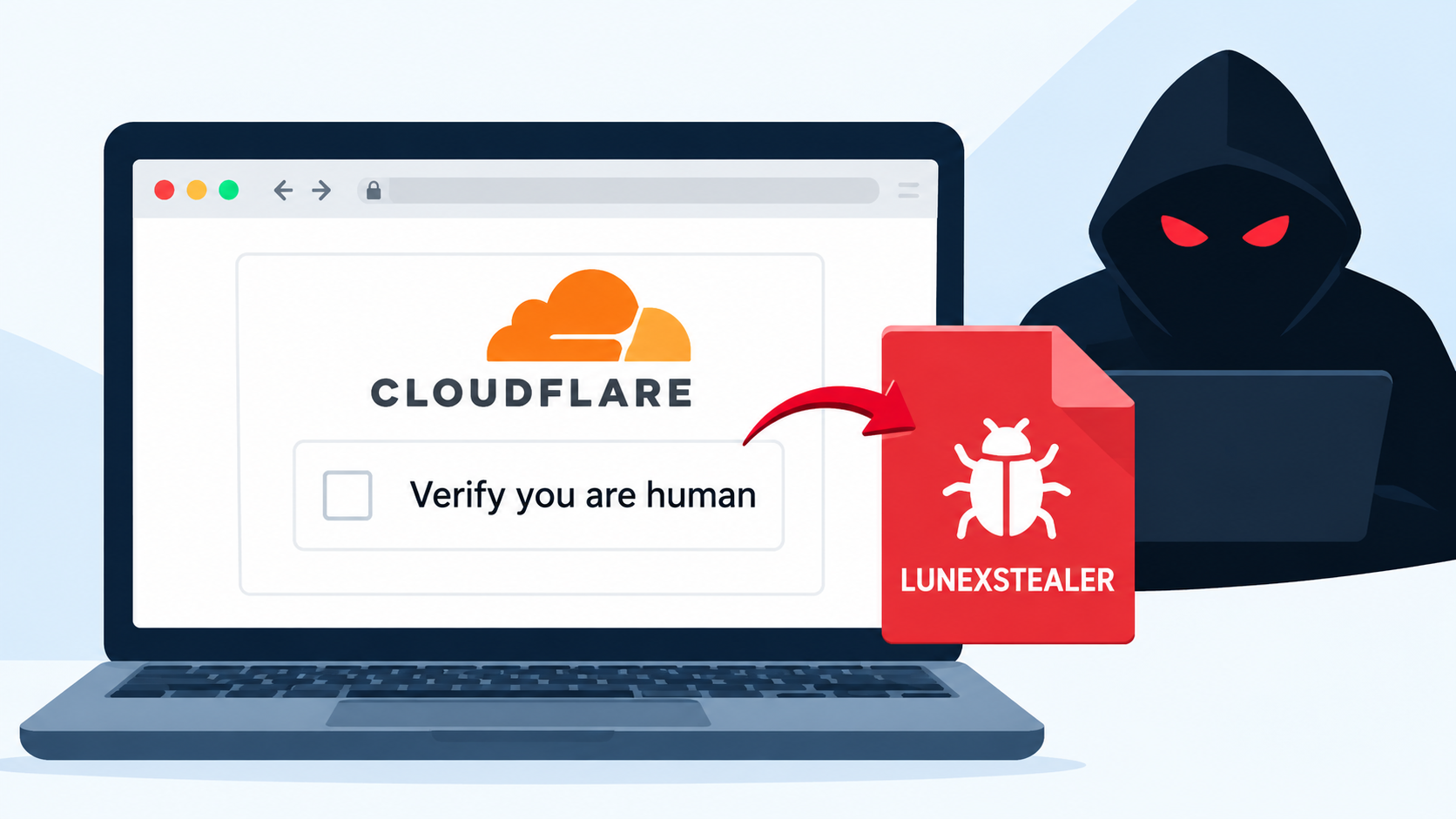
More than 100 legitimate websites have been compromised in a campaign that uses fake Cloudflare verification pages to distribute LUNEXSTEALER, a Windows malware designed to steal sensitive information and give attackers remote control over infected systems.
Instead of sending victims a suspicious file directly, attackers are using trusted websites as the first step. Malicious JavaScript is added to compromised pages and selectively displays a fake security check that looks similar to a normal Cloudflare verification screen.
Researchers from CERT-UA discovered the activity in September 2026 and linked it to a threat actor tracked as UAC-0277. In a report published on September 30, CERT-UA analyzed three different installer variants involved in the campaign.
LUNEXSTEALER can steal browser passwords, authentication tokens, cryptocurrency wallet information, and details about the infected computer. Its remote-control capabilities can also allow attackers to download additional malware and execute commands.
The advisory does not confirm how many website visitors were ultimately infected.
Fake Verification Pages Trick Users Into Running Commands
The attack uses a technique commonly known as ClickFix. Visitors are shown a fake Cloudflare verification page that tells them to run a command to prove they are human.
Following the instructions causes the victim to download and install a Windows MSI package from an external server.
The malicious JavaScript used on compromised websites gets information about the campaign from a smart contract hosted on the Polygon or Ethereum blockchain. This allows attackers to change campaign settings without modifying the code on every compromised website.
The script can operate in three different modes: inactive, passive tracking, and active fake verification.
In passive mode, it can collect information about the compromised website and the page that referred the visitor. In active mode, the fake verification screen is displayed.
The malicious page is selectively shown to Windows users who arrive through search engines such as Google and DuckDuckGo. It is also limited to appearing no more than twice within a 12-hour period, helping the campaign avoid attracting too much attention.
CERT-UA identified three installer types.
The first installs LUNEXSTEALER directly. The second uses a loader that attempts to bypass Windows User Account Control, creates Microsoft Defender exclusions, and abuses the vulnerable AMD driver associated with CVE-2023-20598 to interfere with security protections.
The third uses a legitimate executable to load a malicious library, which then decrypts and launches the information-stealing malware.
LUNEXSTEALER Can Take Control of Browser Activity
The campaign goes beyond stealing passwords and other stored information.
Depending on commands received from its control server, LUNEXSTEALER can install LUNARAXE, a malicious extension designed for Chromium-based browsers.
The extension attempts to look like a legitimate office document editing tool. In reality, it can collect cookies, browsing history, bookmarks, and credentials entered into websites.
Attackers can also use the extension to interact with browser tabs, capture screenshots, change proxy settings, and run JavaScript on webpages. This gives them significant control over the victim’s browsing environment.
A PowerShell component known as NAIVEMESS connects the malicious browser extension with the Windows file system. It can be used to browse folders, read and modify files, and execute files on the infected computer.
Another component weakens browser security policies that normally restrict scripts and data transfers. Communication with the attackers’ infrastructure uses HTTP, while WebSocket connections can provide additional remote interaction.
The malware can also maintain access after a browser restart, while the stealer may create a scheduled task to help remain active on the system.
How Users and Organizations Can Stay Safe
CERT-UA warns that legitimate human-verification services do not require users to open the Windows Run dialog, Command Prompt, or PowerShell and paste commands.
If a supposed Cloudflare verification page asks you to execute a command, do not follow the instructions. Close the page, even if it appears on a website you normally trust.
Organizations should also consider restricting access to the Windows Run dialog through Group Policy and preventing standard users from installing MSI packages without appropriate permissions.
Security teams should monitor for suspicious installer activity, particularly MSI files launched with URLs. CERT-UA also recommends enabling Microsoft’s vulnerable driver blocklist and allowing only approved browser extensions.
Website owners should regularly check their sites for unauthorized JavaScript and investigate unexpected changes to web pages.
The campaign shows how attackers are increasingly abusing trusted websites and familiar security prompts to make malware infections look like routine verification steps.
The key lesson is simple: a security check should never ask you to run a command on your computer.
IoCs
Type
Indicator
Description
IPv4
107[.]175.82.242
Campaign infrastructure listed by CERT-UA.
IPv4
193[.]178.158.61
Campaign infrastructure.
IPv4
193[.]178.159.128
Host appearing in HTTP and remote-extension endpoints.
IPv4
109[.]238.86.112
Campaign infrastructure with a listed HTTP endpoint.
IPv4
109[.]238.86.113
Campaign infrastructure with a listed HTTP endpoint.
IPv4
176[.]53.159.40
Campaign infrastructure.
IPv4
159[.]69.234.218
Campaign infrastructure.
Domain
ahahahahadebili[.]help
Domain appearing in script and installer URLs.
Domain
fsputnik[.]com
Campaign domain.
Domain
sputnk[.]com
Domain appearing in an installer URL.
Domain
uasputnik[.]com
Domain appearing in multiple installer URLs.
Domain
uasputn[.]com
Domain appearing in an installer URL.
Domain
partaonline[.]click
Campaign domain.
Domain
vibestglobal[.]com
Campaign domain.
Domain
flareru[.]live
Campaign domain.
Domain
plerdgate[.]com
Campaign domain.
Domain
ukrainerada[.]top
Domain appearing in a script URL.
Domain
radaukraine[.]top
Campaign domain.
Domain
astratechuthree[.]top
Campaign domain.
Domain
spectre.pp[.]ua
Domain appearing in script and installer URLs.
Domain
chillplace.pp[.]ua
Domain appearing in a script URL.
Domain
alohapages.pp[.]ua
Domain appearing in a script URL.
Domain
vatra.pp[.]ua
Campaign domain.
Domain
fainomedia.pp[.]ua
Campaign domain.
Domain
trembita.pp[.]ua
Campaign domain.
Domain
archivision.pp[.]ua
Campaign domain.
WebSocket endpoint
(ws)://193[.]178.159.128:8080/api/v1/ext/remote
Remote-extension endpoint, preserving the source’s notation.

 FHN
FHN