FHN
FHN 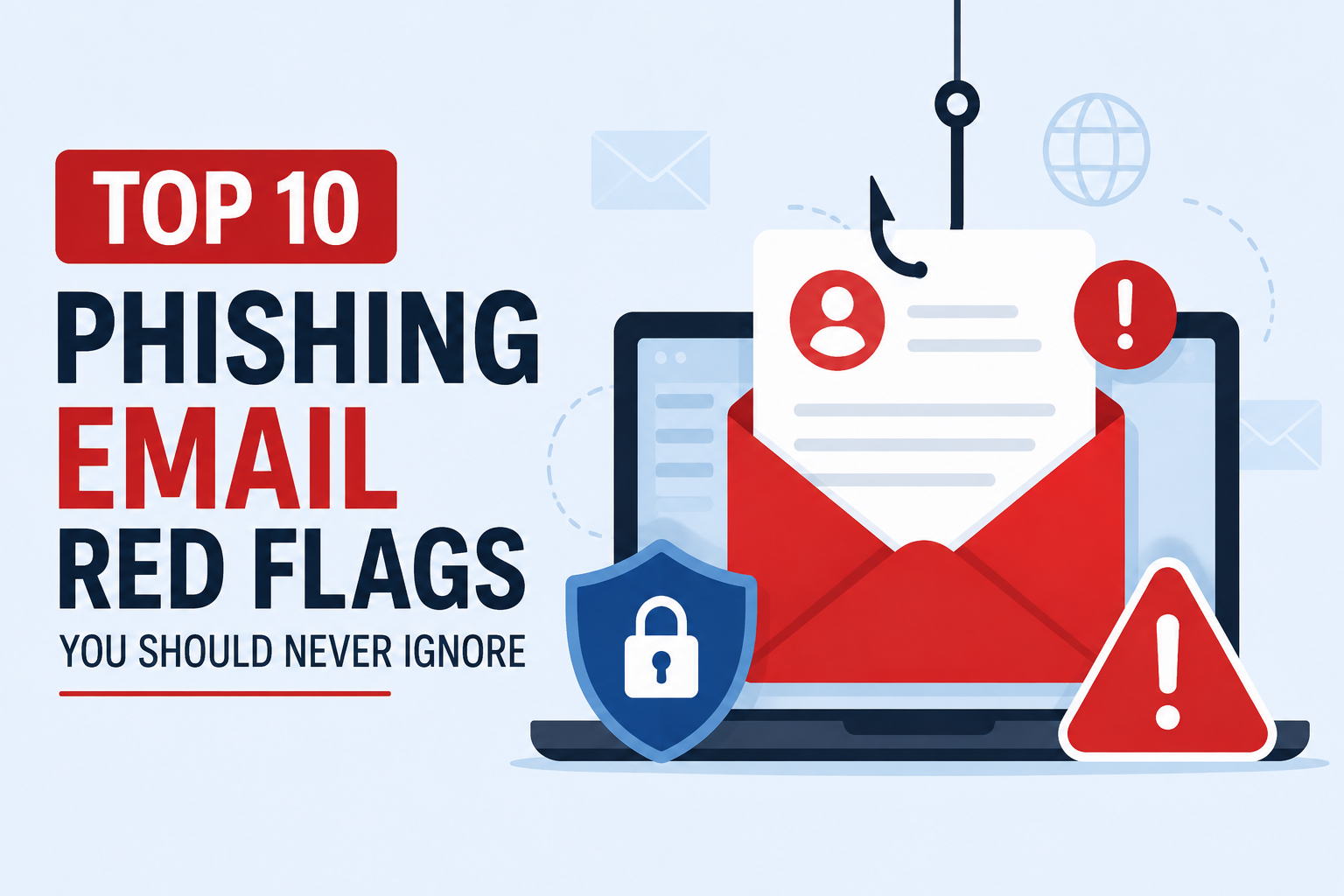
Phishing remains one of the most successful cyberattack techniques because it exploits human trust rather than technical vulnerabilities. Every day, attackers send fraudulent emails designed to steal credentials, distribute malware, or trick recipients into revealing sensitive information.
Understanding the warning signs of a phishing email is one of the most effective ways to reduce cyber risk. Below are ten common indicators that every individual and organization should recognize.
1. Suspicious Sender Address
The sender’s email address is one of the first things to verify. Cybercriminals often register domains that closely resemble legitimate organizations by changing a single character or using uncommon domain extensions.
Always verify the sender before opening attachments or clicking links.
2. Urgent or Fear-Inducing Messages
Phishing emails frequently create a false sense of urgency to pressure recipients into acting quickly.
Examples include:
- Your account has been suspended.
- Immediate action required.
- Your payment has failed.
- Verify your identity now.
Legitimate organizations rarely demand immediate action without providing alternative ways to verify the request.
3. Suspicious Links
Before clicking any hyperlink, hover your cursor over it to view its actual destination.
If the displayed URL differs from the official company website or contains unusual characters, it should be treated as suspicious.
When in doubt, access the website directly through your browser instead of using the email link.
4. Requests for Sensitive Information
Legitimate businesses do not typically request passwords, banking information, one-time passcodes, or confidential personal data through email.
Any message asking for sensitive information should be independently verified before responding.
5. Poor Grammar and Unprofessional Formatting
Many phishing emails contain spelling mistakes, grammatical errors, inconsistent fonts, or unusual formatting.
Although modern phishing campaigns have become more convincing, poor language quality remains a common warning sign.
6. Unexpected Attachments
Opening unexpected attachments can result in malware infections, ransomware attacks, or credential theft.
Be especially cautious with file types such as:
- ZIP
- EXE
- ISO
- JS
- DOCM
- HTML
If you were not expecting the attachment, confirm its legitimacy with the sender before opening it.
7. Generic Greetings
Instead of addressing recipients by name, phishing emails often use generic greetings such as:
- Dear Customer
- Dear User
- Valued Customer
- Dear Member
Many legitimate organizations personalize important communications using your registered name.
8. Offers That Seem Too Good to Be True
Cybercriminals frequently lure victims with attractive offers such as:
- Free gift cards
- Lottery winnings
- Large discounts
- Tax refunds
- Prize claims
If an offer appears unusually generous or unexpected, verify it through the organization’s official website.
9. Fake Branding and Logos
Attackers often copy company logos, email templates, and branding to make phishing emails appear authentic.
A professional-looking email does not guarantee legitimacy. Always verify the sender’s address and carefully inspect links before interacting with the message.
10. Unexpected Login or Verification Requests
Many phishing campaigns direct victims to fake login pages designed to steal usernames and passwords.
If you receive an unexpected request to sign in or verify your account, avoid using the link provided in the email. Instead, manually enter the official website address into your browser.
Best Practices to Protect Against Phishing
Organizations and individuals can significantly reduce phishing risks by following these security practices:
- Enable Multi-Factor Authentication (MFA).
- Use strong and unique passwords for every account.
- Keep operating systems and applications up to date.
- Verify unexpected requests before responding.
- Avoid opening unknown attachments or clicking suspicious links.
- Use email security filtering solutions.
- Conduct regular cybersecurity awareness training.
- Report suspected phishing emails to your IT or security team.
Conclusion
Phishing attacks continue to evolve, becoming more sophisticated and difficult to detect. However, most successful attacks still rely on users overlooking common warning signs.
By carefully verifying email senders, avoiding suspicious links and attachments, and following cybersecurity best practices, individuals and organizations can greatly reduce their exposure to phishing attacks and protect sensitive information from cybercriminals.
Follow Us on:Linkedin, Instagram, Facebook to get the latest security news!
About the Author