FHN
FHN 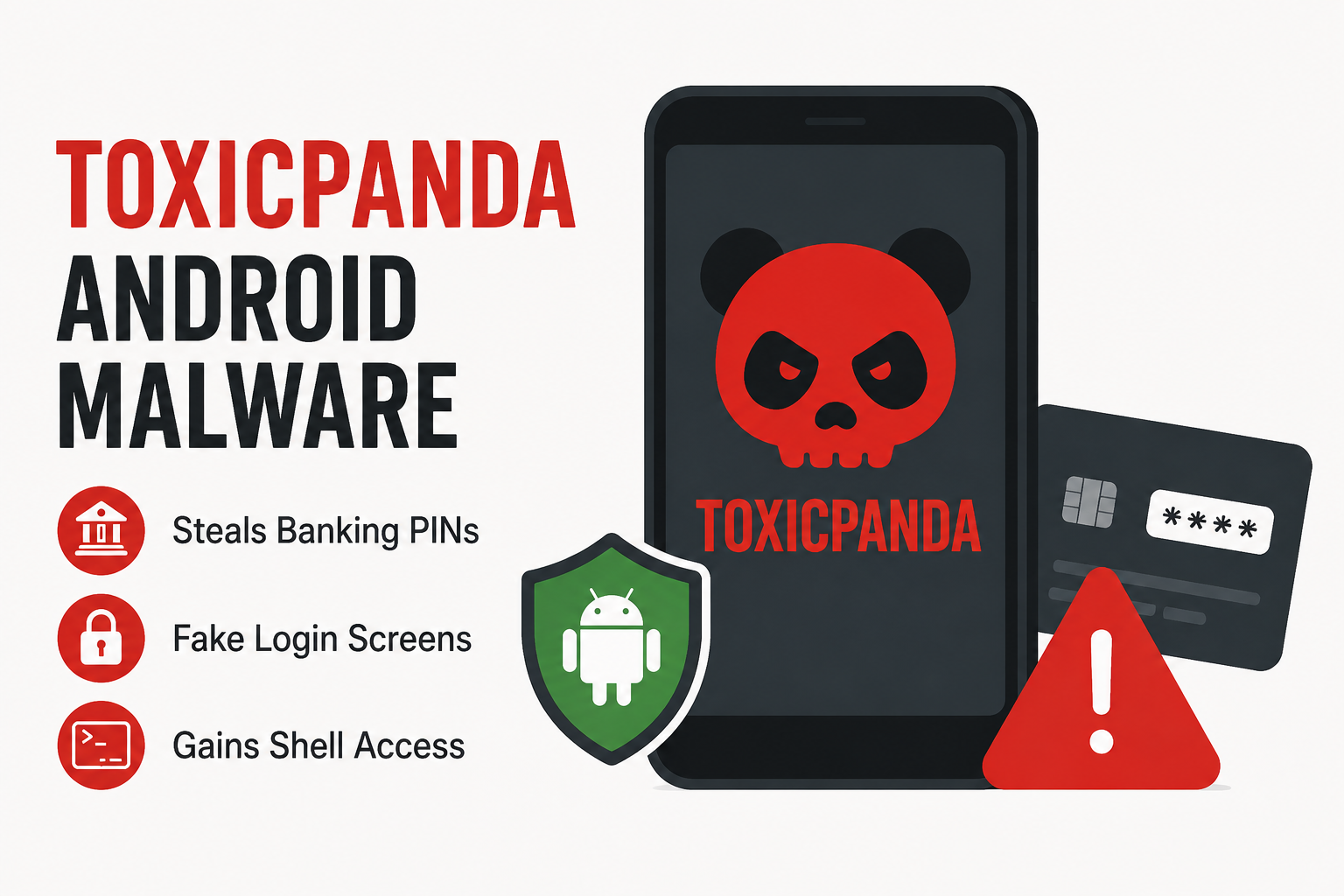
A new and more capable version of the ToxicPanda Android banking malware is putting mobile banking users at greater risk. The latest variant can steal banking PINs, imitate legitimate applications, capture user activity, and gain deeper control over infected devices.
Security researchers at Zimperium identified the updated threat, known as ToxicPanda 2.0, which has significantly expanded its targeting and remote-control capabilities.
The malware reportedly includes 167 remote commands and can target more than 140 banking and cryptocurrency applications for PIN theft. Its fake login screens can also imitate 349 financial institutions across 16 countries.
How ToxicPanda 2.0 Reaches Android Devices
The attack begins with a malicious application hosted through cloud infrastructure. Victims are encouraged to install the application through a fake installation process designed to appear legitimate.
Once installed, the dropper requests sensitive permissions and prepares the hidden malware payload.
The malware can then collect information about applications installed on the device and communicate with its command-and-control infrastructure.
Fake Banking Screens Steal PINs
One of ToxicPanda’s main capabilities is its ability to create convincing overlays on top of legitimate banking applications.
When a targeted banking app is opened, the malware can display a fake login or payment screen that looks similar to the real application.
It can also place an invisible layer over banking keypads to capture the user’s taps.
Attackers can remotely change the applications and keywords they want to target, allowing them to adjust campaigns without distributing a completely new malware package.
Wireless Debugging Adds More Risk
One of the more concerning capabilities in ToxicPanda 2.0 is its abuse of Android Wireless Debugging.
The malware can automate interactions with the device to enable developer settings, activate Wireless Debugging, complete the pairing process, and obtain the temporary pairing code.
After connecting to the local Android Debug Bridge (ADB) service, the malware can obtain shell-level access.
This gives attackers additional capabilities to run commands, modify settings, and attempt to weaken Android security restrictions.
Fake Lock Screens Can Steal Device Credentials
ToxicPanda is not limited to banking credentials.
The malware can create fake Android lock screens designed to capture the victim’s device PIN, password, or unlock pattern.
Some versions can also display fake system-update screens. These deceptive pages can hide malicious activity while the malware continues operating in the background.
More Commands, More Control
The malware’s growing command set gives attackers several ways to maintain control over compromised devices.
Capabilities include attempting to obtain Device Administrator privileges, changing lock-screen settings, displaying attacker-controlled web content, and modifying device behavior.
ToxicPanda can also use Accessibility Services to interact with manufacturer-specific settings.
This can help it adjust battery or auto-start controls so that Android is less likely to stop its malicious background activity.
How to Stay Protected
Android users should be particularly careful when installing applications outside official app stores.
Avoid installing APK files received through unexpected links, messages, or websites. Be especially cautious if an unfamiliar application asks for powerful permissions such as:
- Accessibility Services
- Device Administrator
- VPN access
- Developer Options
- Wireless Debugging
These permissions can provide applications with far more control than they normally need.
What Security Teams Should Watch For
Organizations should monitor Android devices for unusual Accessibility Service activity, unexpected changes to developer settings, suspicious screen overlays, and unfamiliar ADB pairing events.
Users should also regularly review installed applications and enabled accessibility services and remove anything they do not recognize.
The Bigger Picture
ToxicPanda 2.0 shows how Android banking malware is moving beyond simple credential theft.
Modern mobile threats are combining social engineering, fake interfaces, accessibility abuse, remote commands, and device-level control to turn a compromised phone into a powerful tool for attackers.
For mobile users, the safest approach is simple: install apps only from trusted sources and never grant powerful permissions to an application you do not fully trust.
About the Author