FHN
FHN 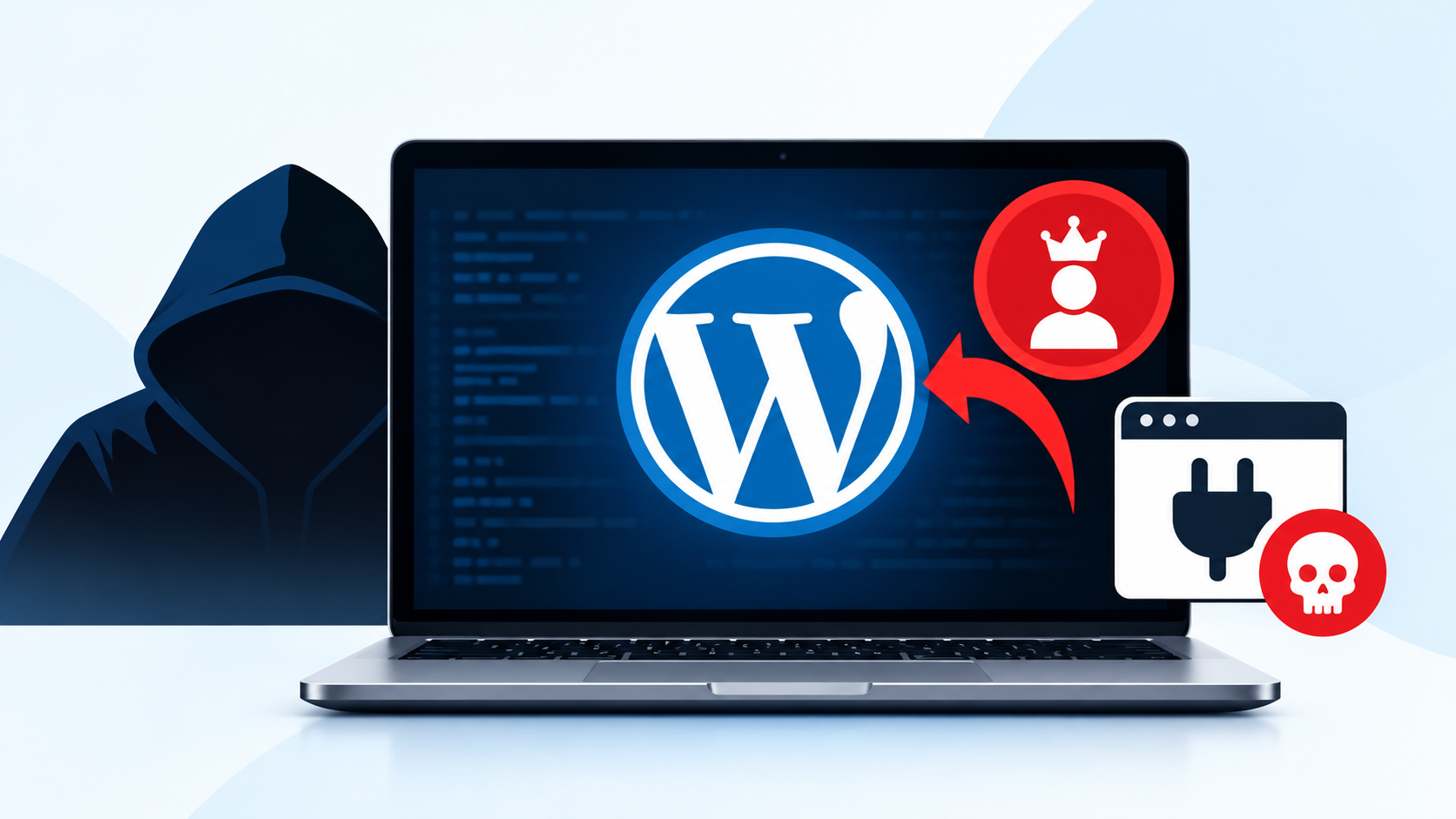
A new attack method called WP2Shell could allow hackers to take control of vulnerable WordPress websites without logging in. It combines two security flaws to create administrator accounts and install malicious plugins that can run commands on the server.
Security researchers at Seqrite published their analysis on October 16, 2026. The report explains how attackers can combine these flaws to gain access to a website.
How the WP2Shell Attack Works
WP2Shell uses two vulnerabilities: CVE-2026-63030 and CVE-2026-60137.
The first flaw affects WordPress REST API request handling. It may allow unauthenticated requests to reach functions that should require authentication.
The second flaw involves SQL injection, where specially crafted input can interfere with database queries.
When combined, these weaknesses can create a path from an unauthenticated request to code execution on the server.
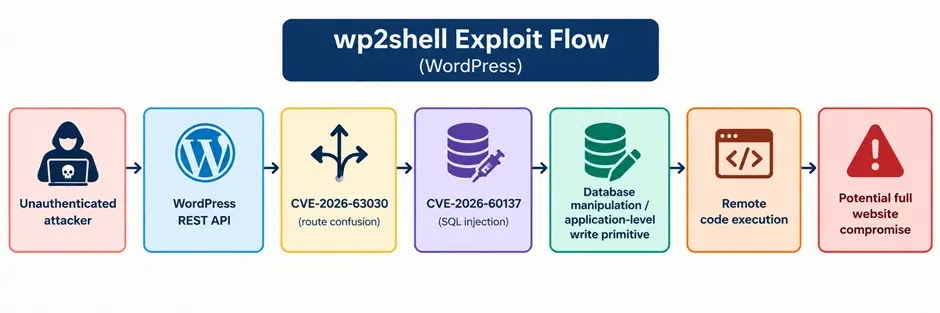
The attack may allow hackers to:
- Create unauthorized WordPress administrator accounts.
- Upload and extract malicious plugin files.
- Install a web shell to run commands on the server.
- Maintain access even after gaining initial control.
A web shell is a malicious script that gives an attacker a way to interact with a compromised server.
Which WordPress Versions Are Affected?
According to Seqrite’s report, the following versions are affected by the attack chain:
- WordPress 6.9.0 to 6.9.4.
- WordPress 7.0.0 to 7.0.1.
- WordPress 6.8.0 to 6.8.5, which are affected by CVE-2026-60137.
The report lists WordPress versions 6.8.6, 6.9.5, and 7.0.2 as fixed releases. Administrators should install the appropriate security update or a later supported version.
The report does not establish widespread active exploitation, but website owners should not ignore the risk.
How to Protect Your WordPress Website
Website administrators should take the following steps to reduce the risk:
- Update WordPress: Install the appropriate fixed version as soon as possible.
- Check administrator accounts: Look for unfamiliar accounts or unexpected permission changes.
- Inspect plugin folders: Search for unknown plugins and suspicious PHP files.
- Review server logs: Investigate unusual requests to
/wp-json/batch/v1. - Look for suspicious files: Check for unexpected
wp2shell_*.ziparchives and folders beginning withwp2shell_. - Investigate possible compromise: If suspicious activity is found, preserve logs, remove malicious access safely, reset affected credentials, and check for persistence.
Restricting access to sensitive REST API functionality may provide additional protection in some environments, but it does not replace security updates.
The bottom line: WP2Shell demonstrates how multiple vulnerabilities can be combined to compromise a WordPress website. Keeping WordPress updated and regularly reviewing administrator accounts, plugins, and server activity can help reduce the risk of a successful attack.
IoCs
| Type | Indicator from source | Notes |
|---|---|---|
| Endpoint | /wp-json/batch/v1 | REST API batch endpoint |
| File pattern | temp-write-test-* | Temporary files under wp-content/ |
| Archive example | wp2shell_4e9b3641.zip | Sample in wp-content/uploads/2026/10/ |
| Directory pattern | wp2shell_<hex> | Seen under upgrade and plugins directories |
| PHP file pattern | wp2shell_<hex>.php | Example extracted filename |
| File activity | New or changed .php files in plugins or cache folders | Compare with expected site activity |
| Account | Unexpected administrator | Check creation time |
| Detection | HTTP/CVE-2026-63030!DP.50405 | Quick Heal network detection |
| Detection | HTTP/CVE-2026-63030!SP.50370 | Quick Heal network detection |
| Detection | SL_A WP2Shell Suspicious PHP File Modification in WordPress Plugins | Behavioral detection |
About the Author