FHN
FHN 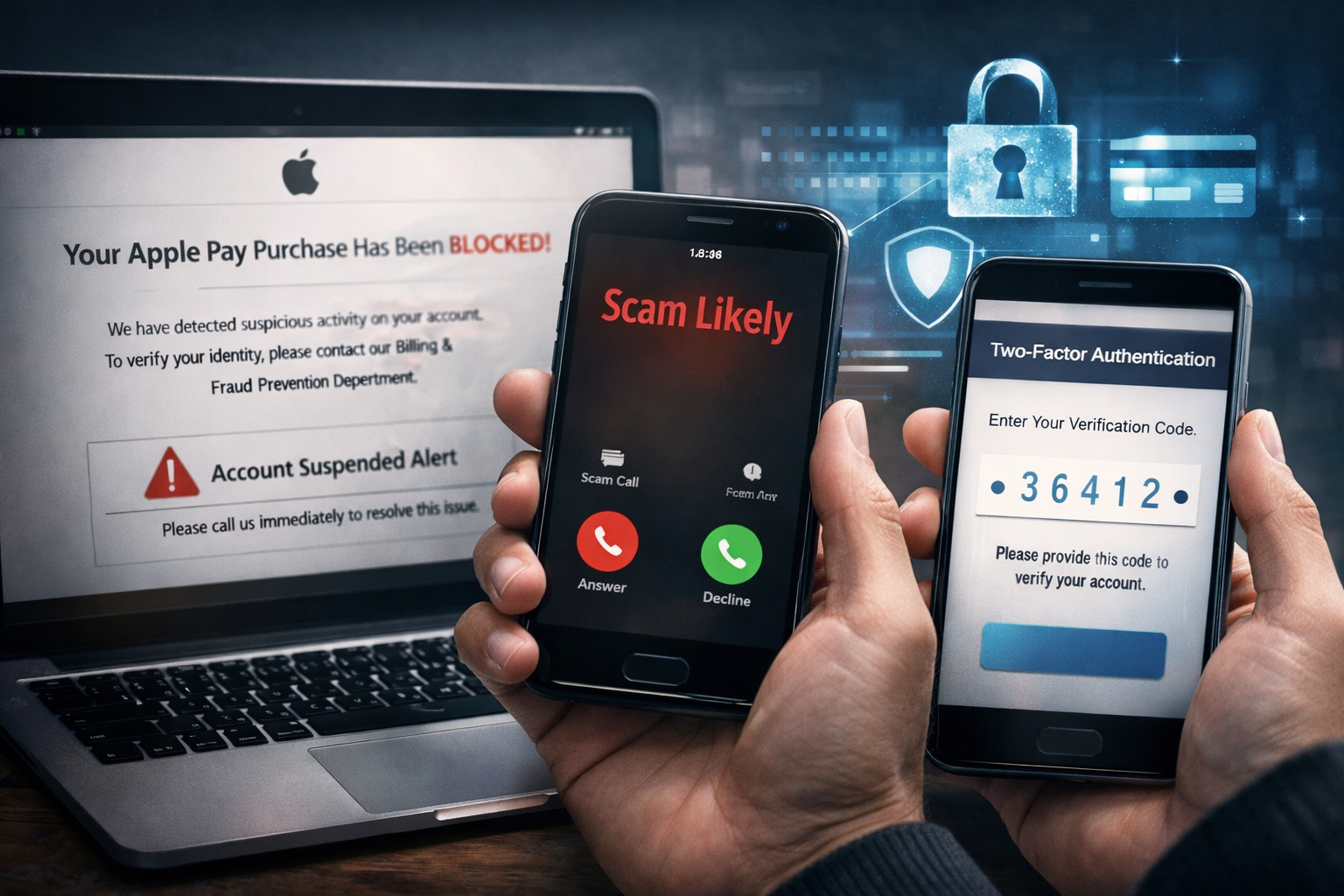
A new and well-planned phishing campaign is targeting users of Apple’s payment ecosystem. The attackers are not using the usual low-quality scam emails. Instead, they combine professional email design with phone-based fraud to trick victims into giving away access to their accounts.
This method is more dangerous because it uses real security features, like two-factor authentication, against the victim.
How the Phishing Email Looks Legitimate
The attack starts with an email that looks like it was sent by Apple. The message includes official logos, proper formatting, and a clean, professional layout. There are no obvious spelling mistakes or broken designs, which makes it harder to identify as fake.
The subject line is written to create fear and urgency. It usually mentions a costly purchase, such as a MacBook, expensive device, or large gift card transaction. The email claims the transaction has been blocked for security reasons.
Instead of providing a suspicious link, the message tells the user they must verify their identity to prevent account suspension.
The Phone Number Trick (Vishing Stage)
A key difference in this campaign is that victims are told to call a “Billing & Fraud Prevention” phone number. Some emails even claim that a fraud review “appointment” has already been scheduled.
This step is designed to build trust. Many people feel safer calling a number than clicking a link, which is exactly what the attackers want.
When the victim calls, they are connected to a scammer pretending to be an Apple support agent.
The fake support agent follows a prepared script. They speak calmly and professionally. They may confirm basic details like the victim’s name, email, or device type to sound convincing.
The goal here is psychological — the attacker wants the victim to believe they are dealing with a real security team trying to stop fraud.
How the Account Takeover Happens
Once trust is built, the technical part of the attack begins. The scammer attempts to sign in to the victim’s Apple ID on their own device. This triggers a real two-factor authentication (2FA) code sent to the victim’s phone.
The scammer then asks the victim to read the code aloud. They claim it is required to “verify the account,” “cancel the transaction,” or “stop the fraud.” Research highlighted by Malwarebytes shows this tactic is becoming more common.
Follow Us on: Linkedin, Instagram, Facebook to get the latest security news!
If the victim shares the code, they unknowingly give the attacker full access to their account.
With control of the account, scammers can misuse stored payment methods, access digital wallet data, or even lock users out of their own devices. Because the login process used real security steps, victims may not realize they helped the attacker themselves.
Key Warning Signs
- Emails creating urgency about expensive purchases you did not make
- Messages asking you to call a number instead of using official channels
- Anyone asking for your password or verification code
How to Stay Safe
Always verify alerts directly through official apps or websites, not through numbers or links in emails. Never share one-time verification codes with anyone — legitimate support teams will never ask for them.
If you believe you were targeted, immediately change your password, sign out of other sessions, and contact your bank about suspicious activity.
About the Author